A simple, fast to-do app: today, what's next and the calendar, with reminders, recurring tasks and subtasks. It installs on your phone like any other app and syncs with your computer on its own.
You buy it on WhatsApp: I send you the price and set up your account.



09:30 6 15 3 OVERDUE 18:00 21:04 DAY 3 09:30 6 09:30 6 15 3 OVERDUE 18:00 21:04 DAY 3 09:30 6
2/4 emails TODAY 2 before EVERY repeats TOMORROW ok del #Work 2/4 emails 2/4 emails TODAY 2 before EVERY repeats TOMORROW ok del #Work 2/4 emails
SUBTASKS Review tasks TRASH min days MON-FRI 1 #Health SYNC 15 SUBTASKS SUBTASKS Review tasks TRASH min days MON-FRI 1 #Health SYNC 15 SUBTASKS
DAY 3 09:30 6 15 3 OVERDUE 18:00 21:04 DAY 3 DAY 3 09:30 6 15 3 OVERDUE 18:00 21:04 DAY 3
ok del #Work 2/4 emails TODAY 2 before EVERY repeats TOMORROW ok del ok del #Work 2/4 emails TODAY 2 before EVERY repeats TOMORROW ok del
#Health SYNC 15 SUBTASKS Review tasks TRASH min days MON-FRI 1 #Health SYNC #Health SYNC 15 SUBTASKS Review tasks TRASH min days MON-FRI 1 #Health SYNC
OVERDUE 18:00 21:04 DAY 3 09:30 6 15 3 OVERDUE 18:00 OVERDUE 18:00 21:04 DAY 3 09:30 6 15 3 OVERDUE 18:00
repeats TOMORROW ok del #Work 2/4 emails TODAY 2 before EVERY repeats repeats TOMORROW ok del #Work 2/4 emails TODAY 2 before EVERY repeats
days MON-FRI 1 #Health SYNC 15 SUBTASKS Review tasks TRASH min days MON-FRI days MON-FRI 1 #Health SYNC 15 SUBTASKS Review tasks TRASH min days MON-FRI
15 3 OVERDUE 18:00 21:04 DAY 3 09:30 6 15 3 15 3 OVERDUE 18:00 21:04 DAY 3 09:30 6 15 3
38 features in seven parts. The screenshots come from the app with sample data.
Three views so nothing slips.

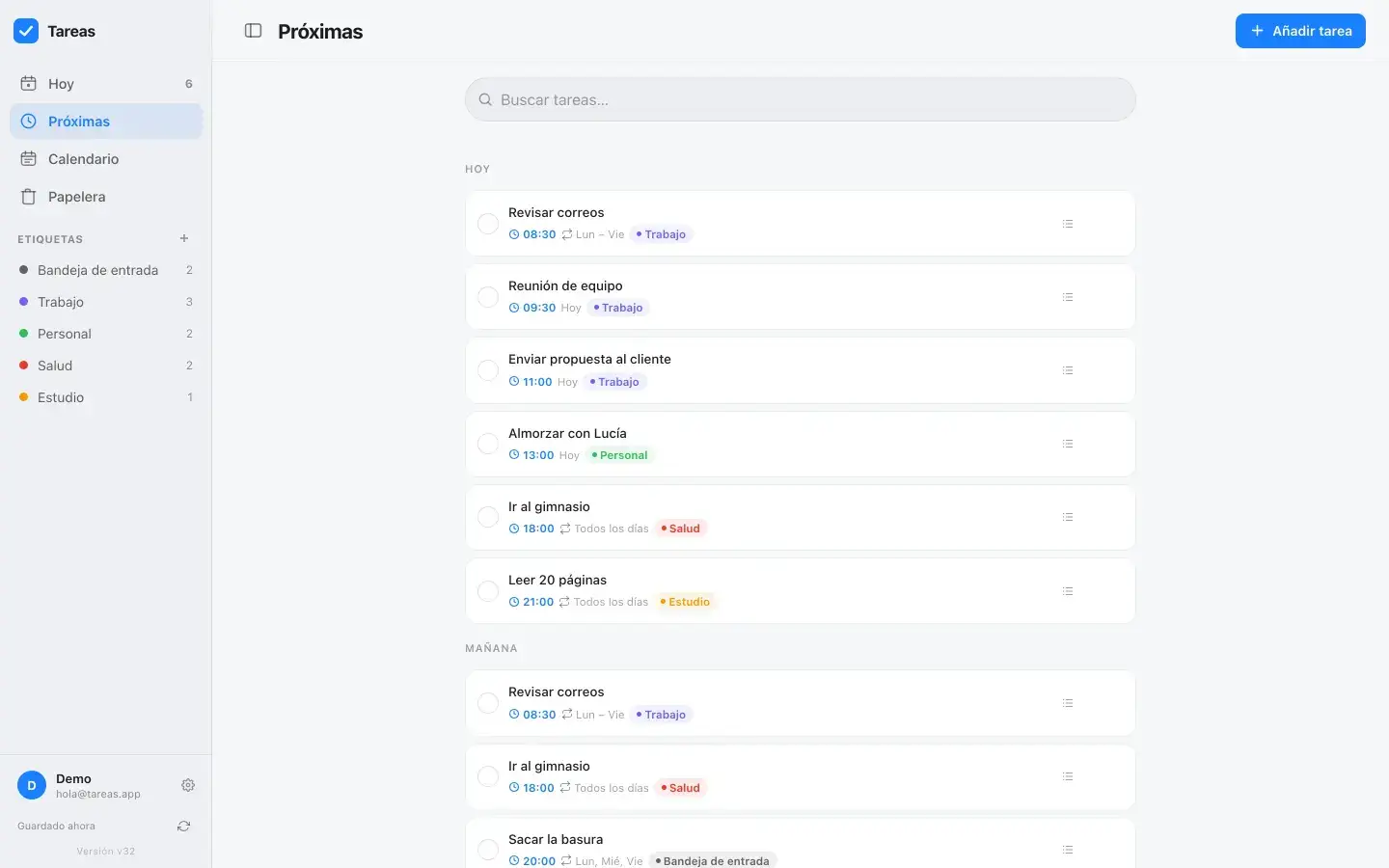

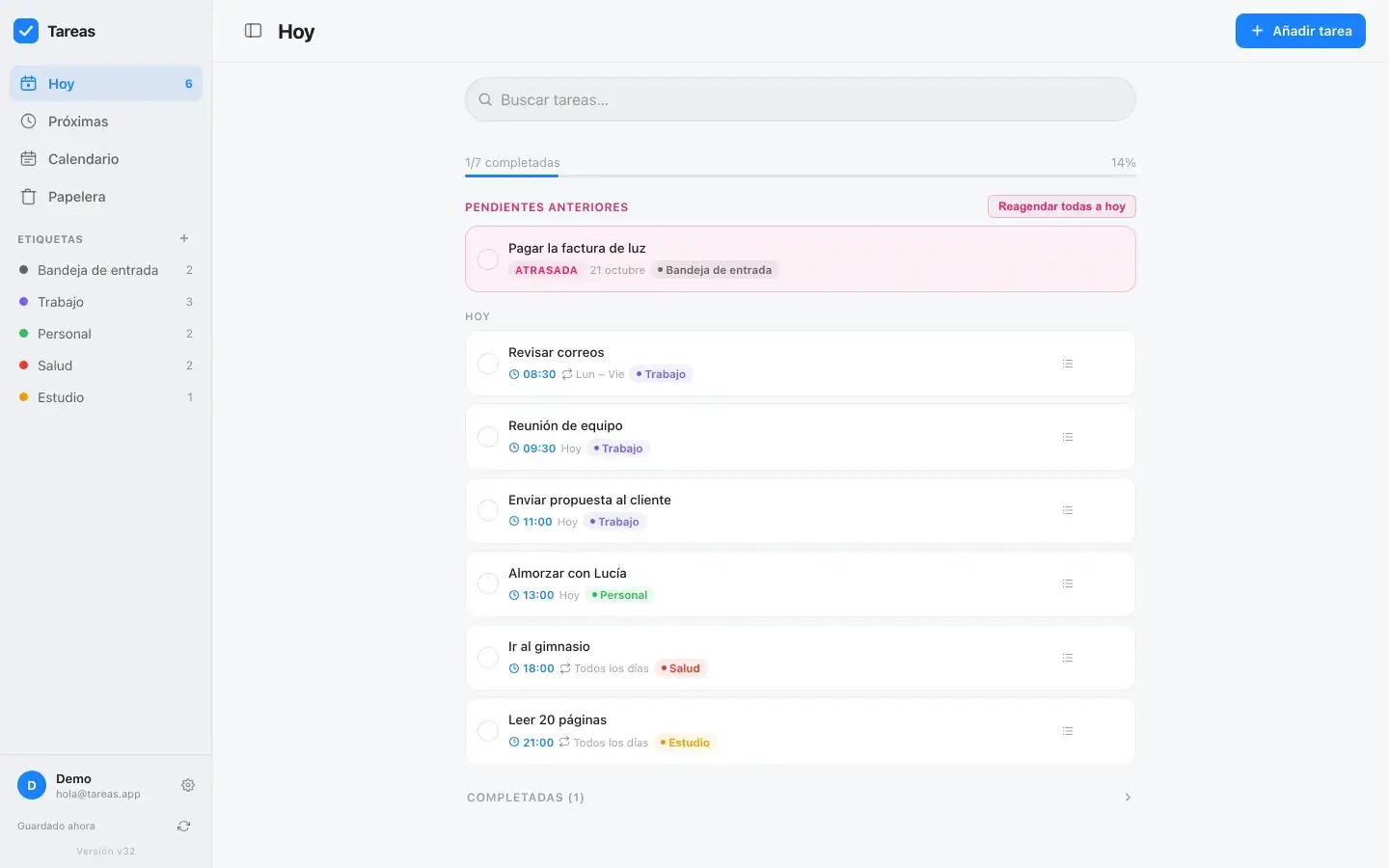
The day's tasks, with each one's time and tag, and progress on what you've done.
What's coming, day by day.
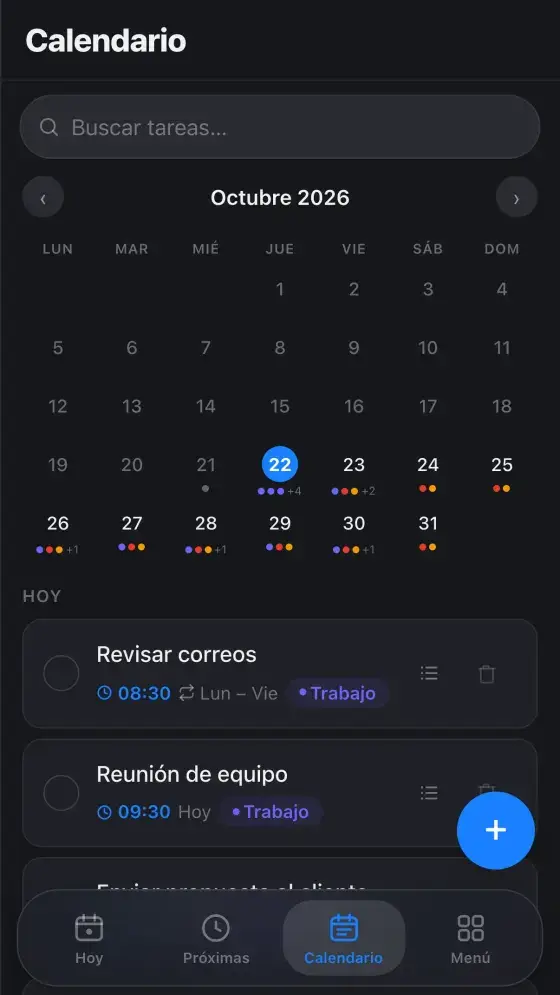
The whole month with dots on days that have tasks. Tap a day to see them.
Anything left undone shows up on top, flagged, with a button to move it all to today.
They hide on their own, and you can bring them back whenever you want.
Find any task by typing a word.
The app understands the date, the time and the tag.

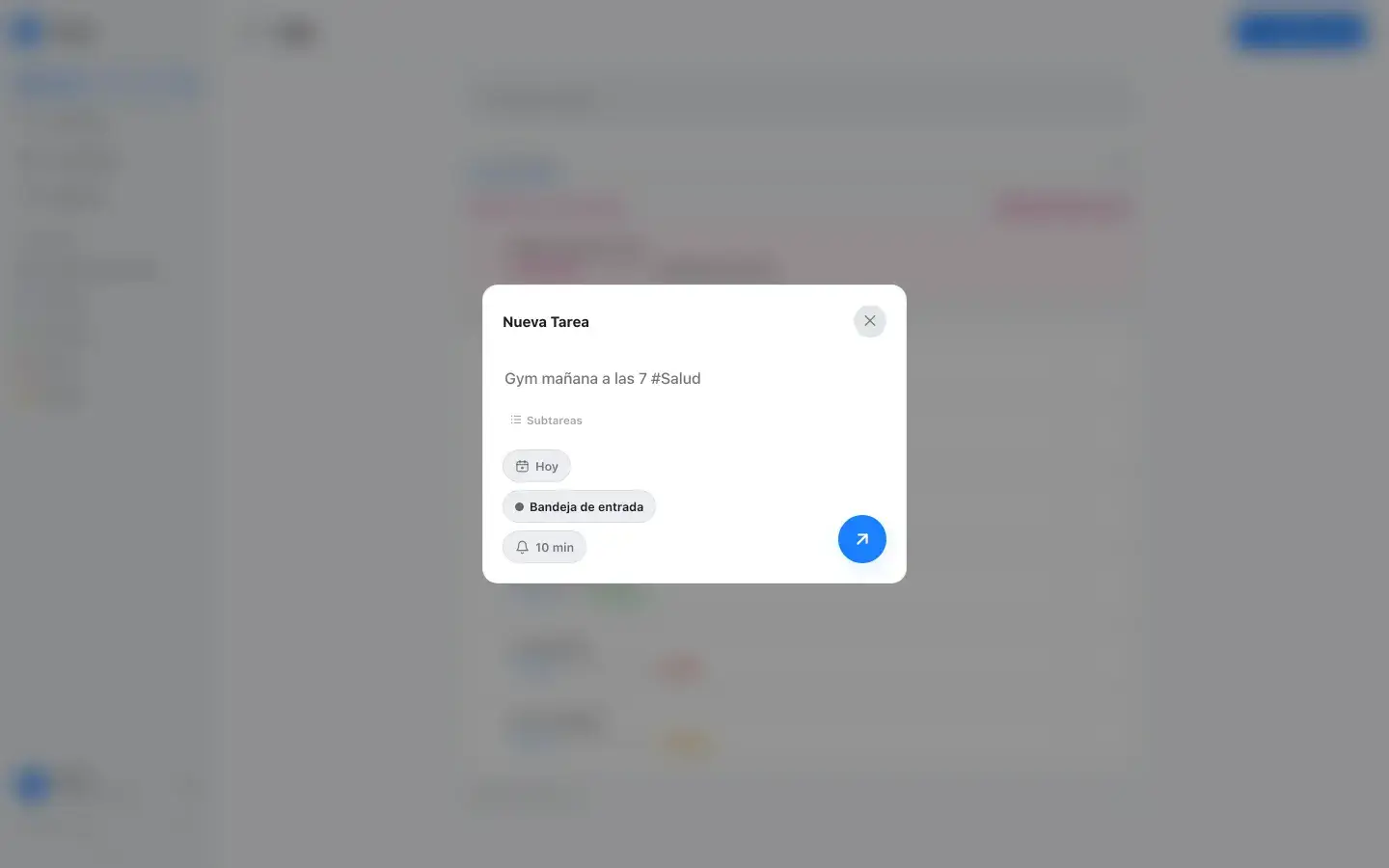


“Gym tomorrow at 7 #Health” lands tomorrow at 7, under Health.
Also “Thursday” or “next Monday”.
“at 7”, “at 18:30”.
Type #Work and the task goes under that tag.
The + button is on every view, on phone and desktop.
Anything you add without a tag waits there to be sorted later.
Choose how often and the app brings it back.



For your daily habits.
Work stuff, without the weekends.
Tuesday and Thursday, or whichever you pick.
The 10th of every month. If the month doesn't have that day, it uses the last one.
Every 3 days, every 15: whatever number you want.
For one-off things.
Recurring tasks don't pile up: it skips the one that's behind and moves on to the next.
Right on time or ahead: 5, 10, 15 or 30 minutes, 1 or 2 hours.
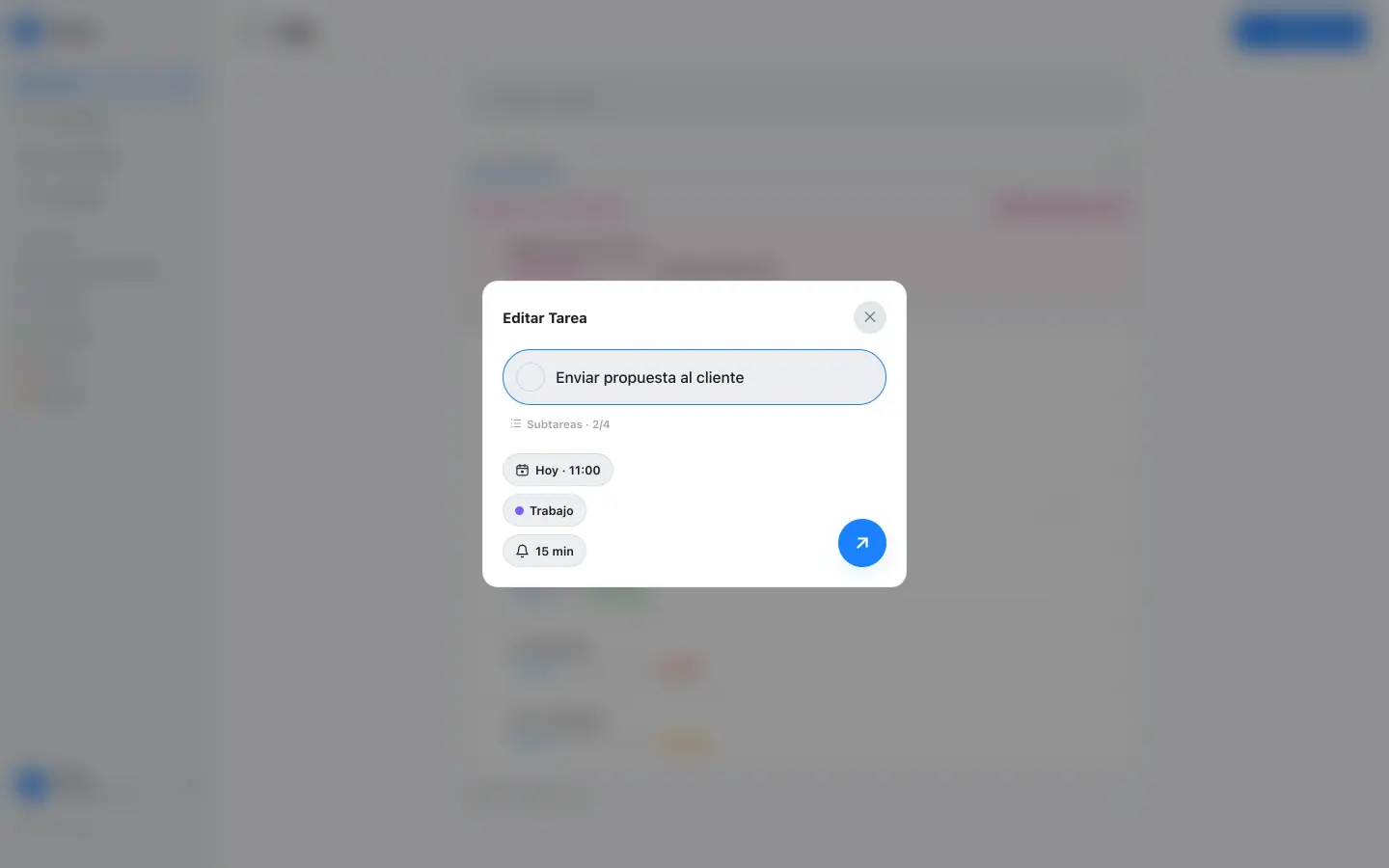
Each task can have its own checklist and note.

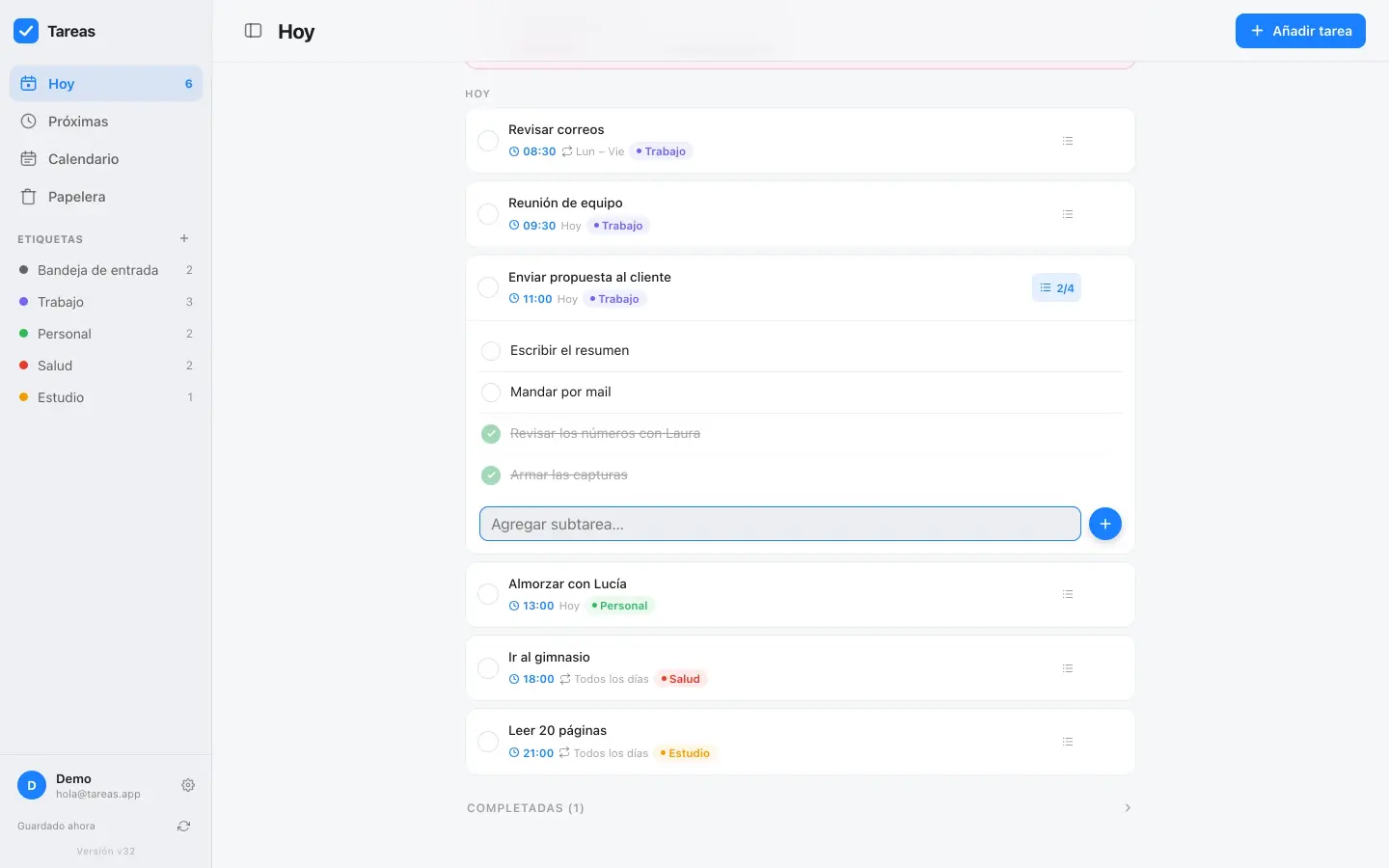
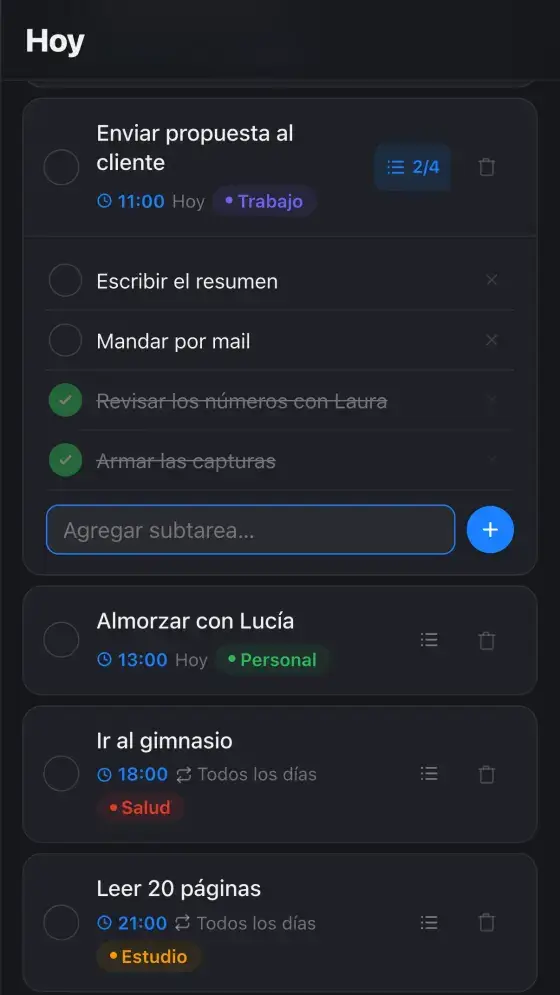
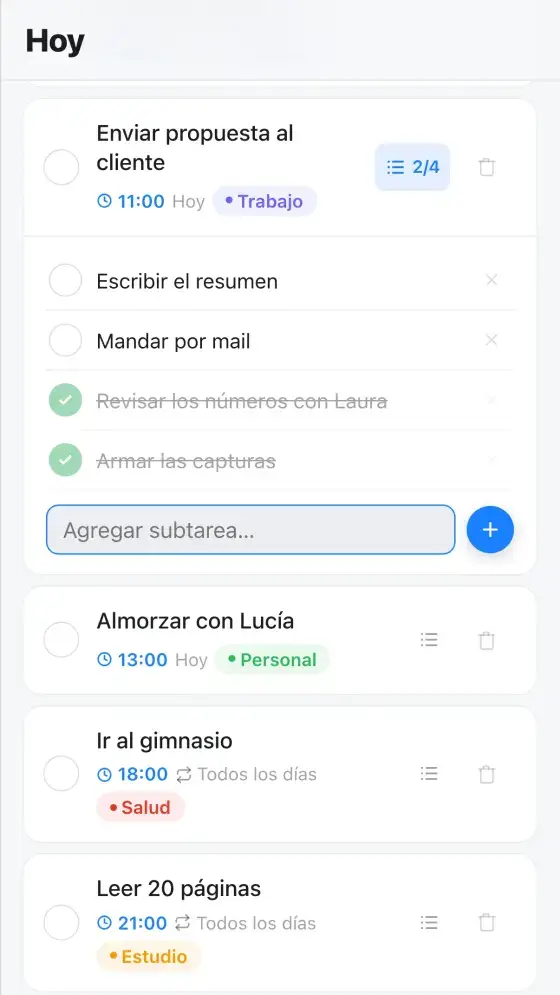
A task's steps, to tick off one by one.
They open and get ticked off from the list, with progress in view: “2/4”.
What you need to remember to do it, inside the task.
Work, Personal, Health: whatever you want, each with its color.


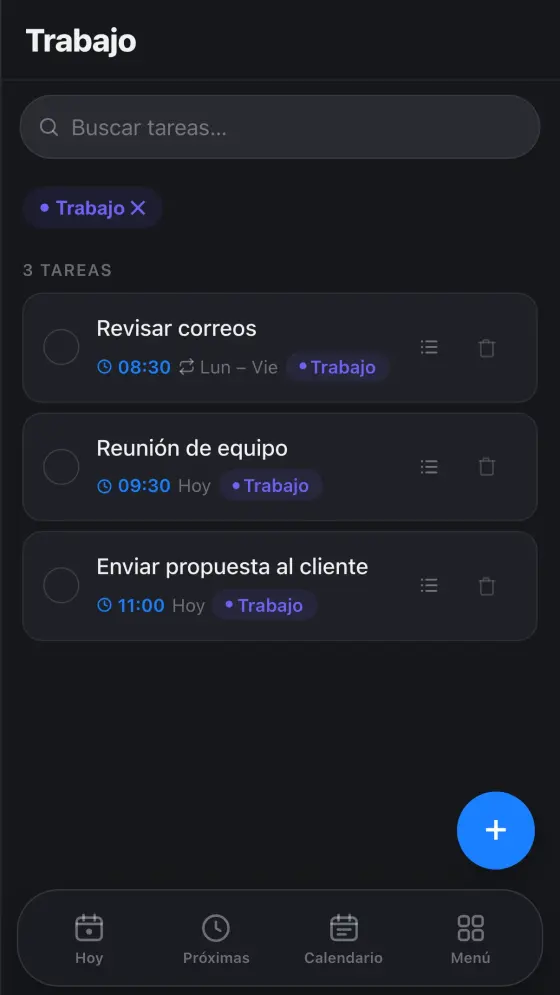

They show on every card, at a glance.
All your Work tasks together, and how many each tag has in the menu.
Create, rename, recolor or delete.
No app store: it installs from the browser.
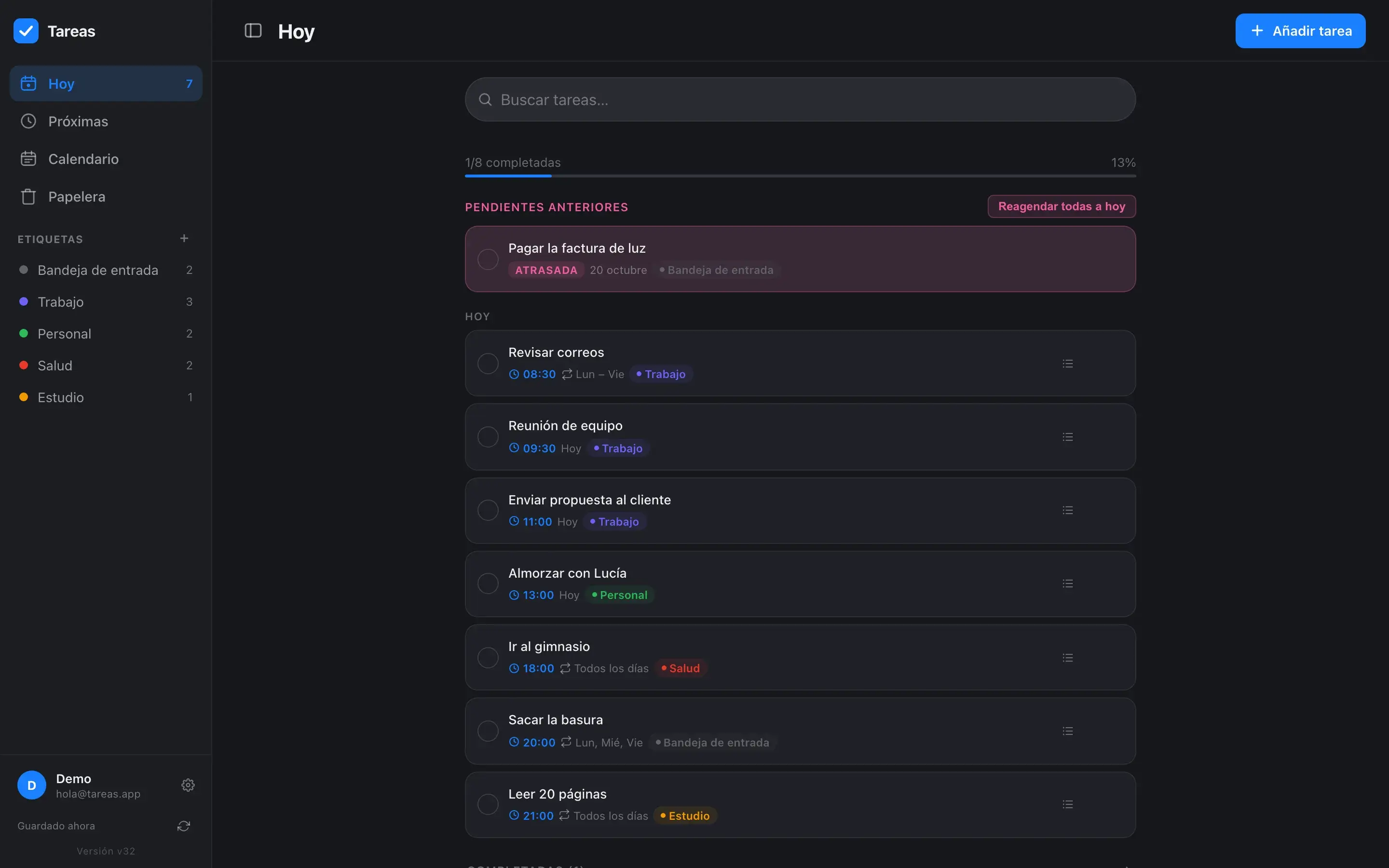
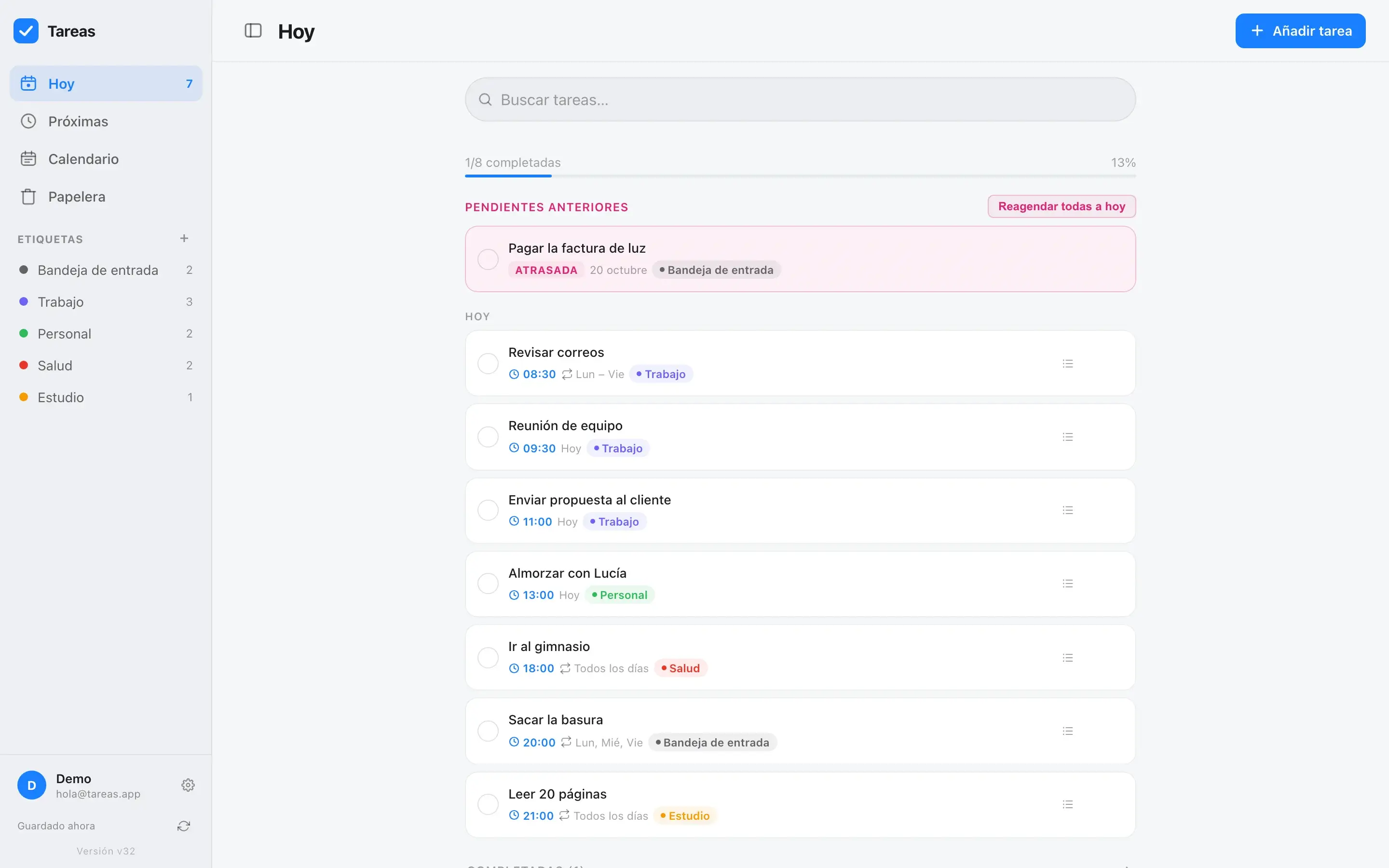
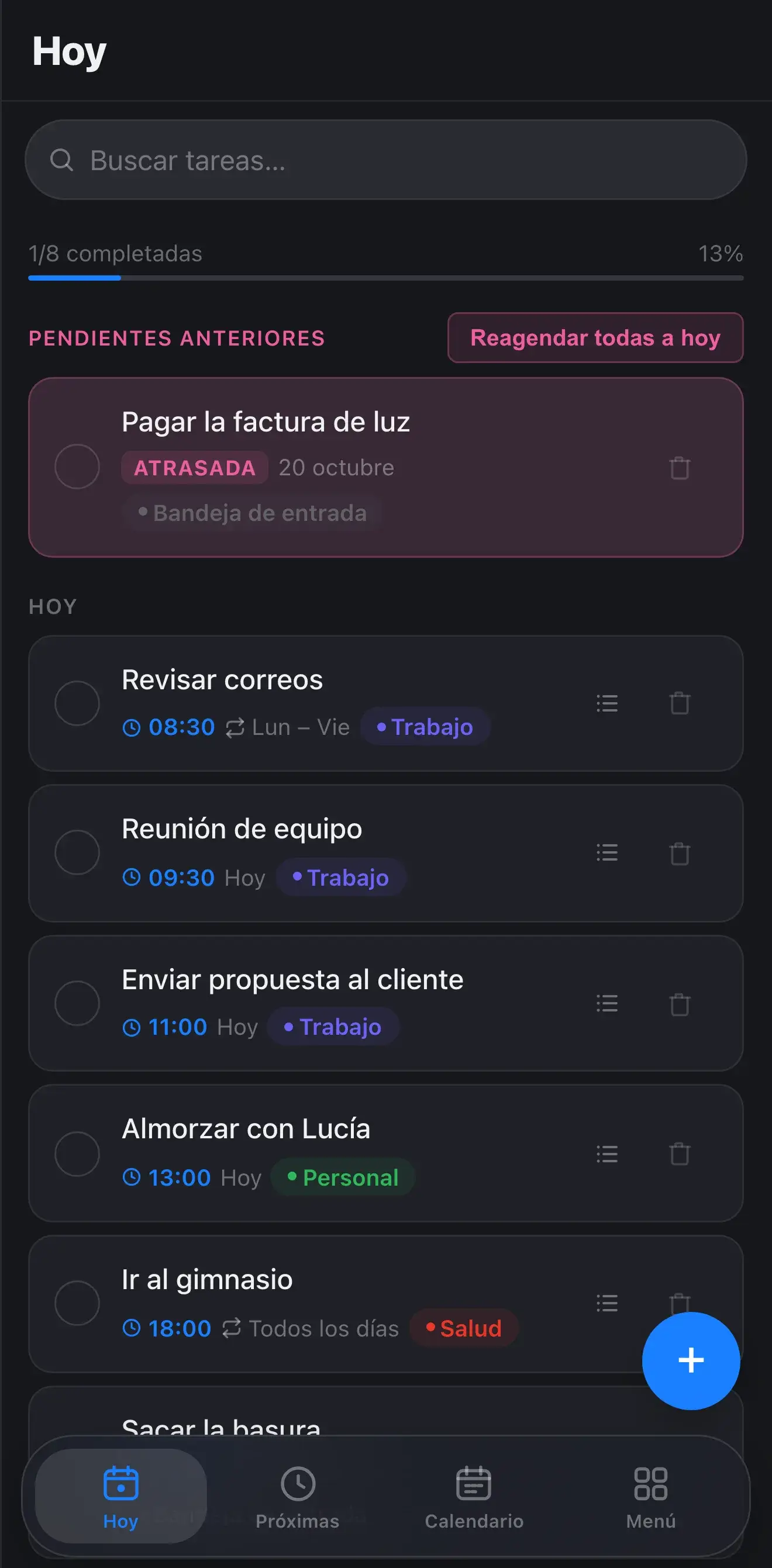
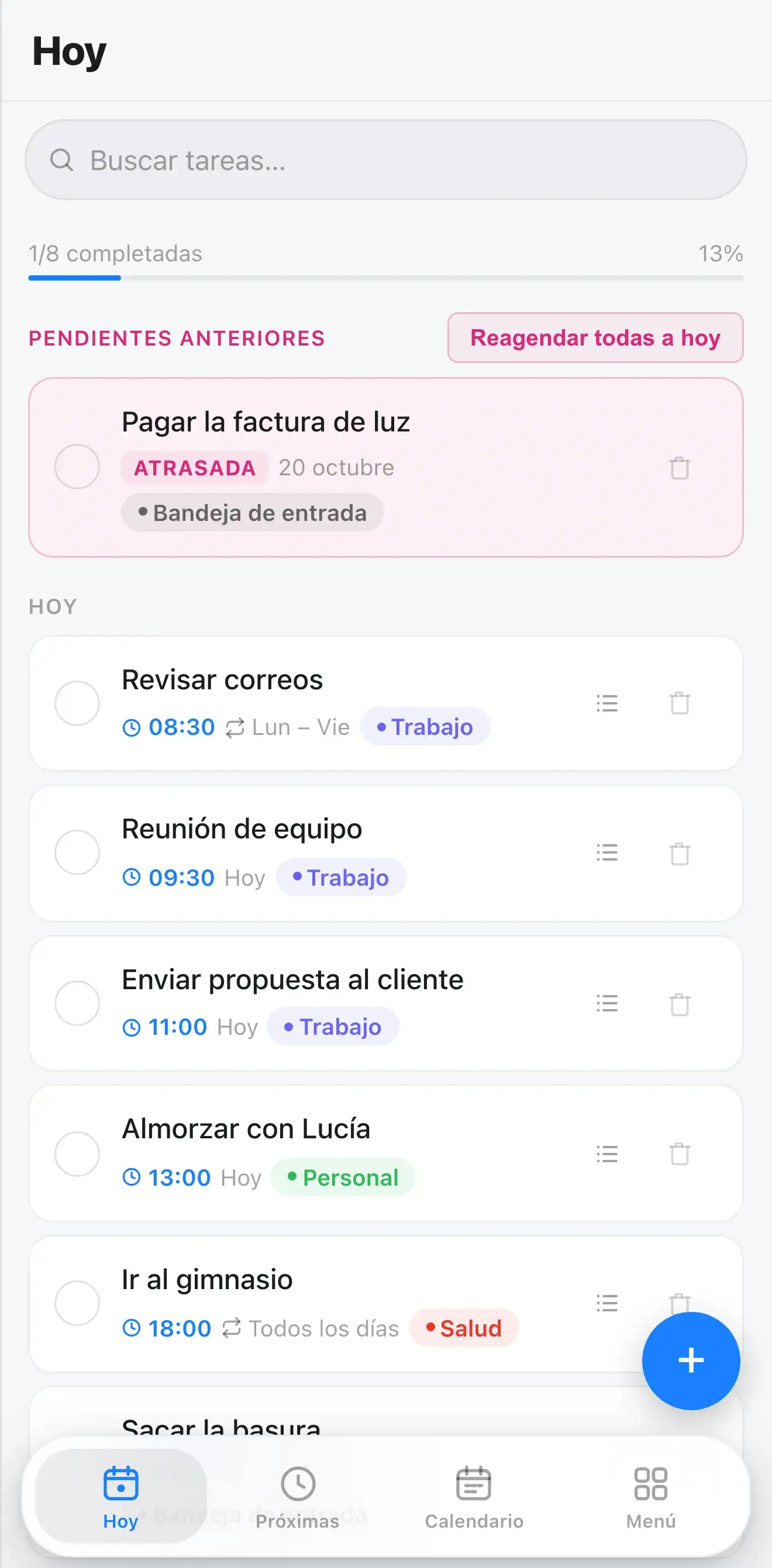









Scroll: the cards lift and one swipes to complete, just like in the app.
On iPhone, Android and Mac, with its own icon.
One way completes it, the other deletes it.
You get the notification at the time you chose.
Works just the same and syncs when you're back online.
What you add on your phone shows up on your computer.
Anything you deleted can be recovered.
And your account, looked after.
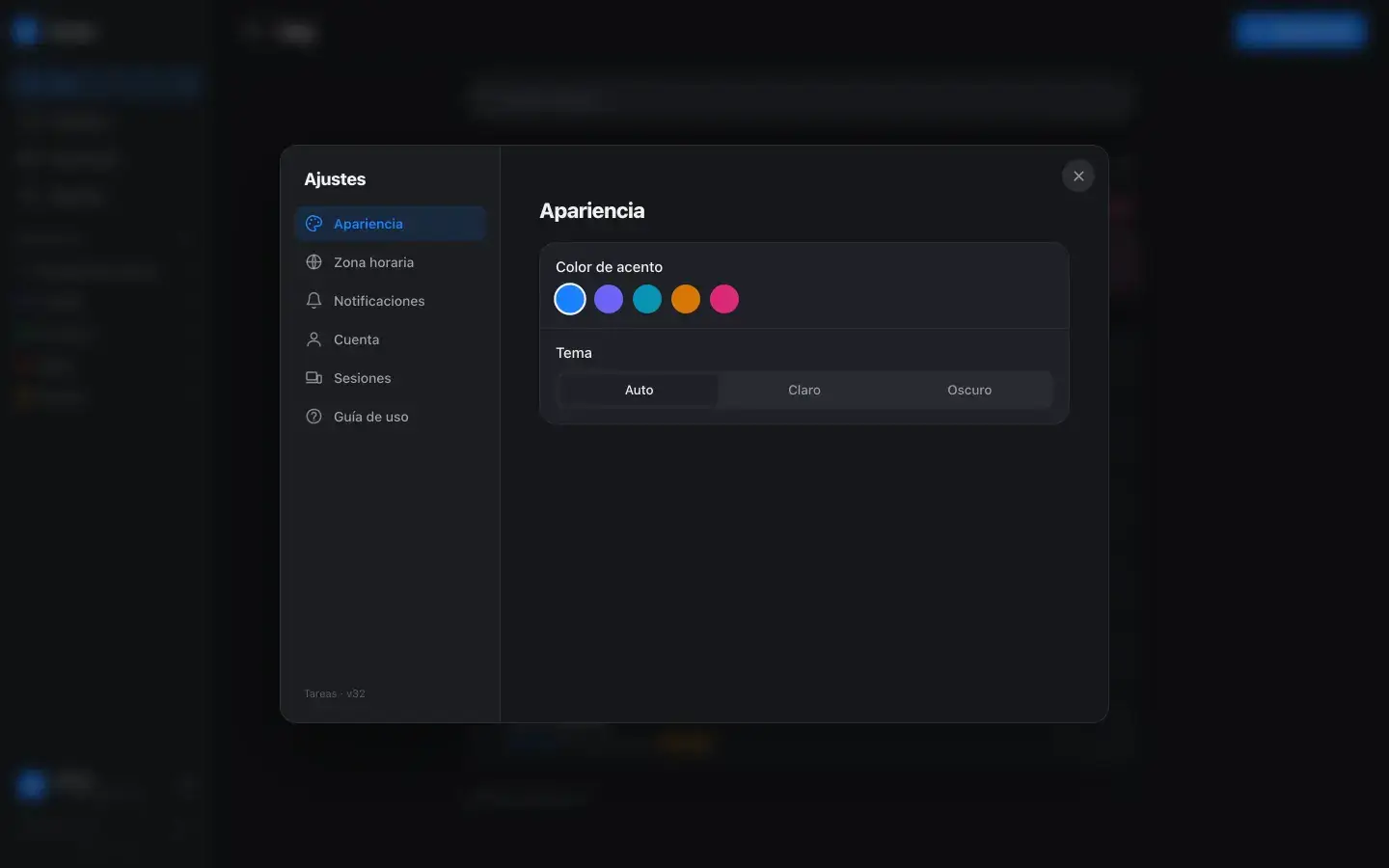
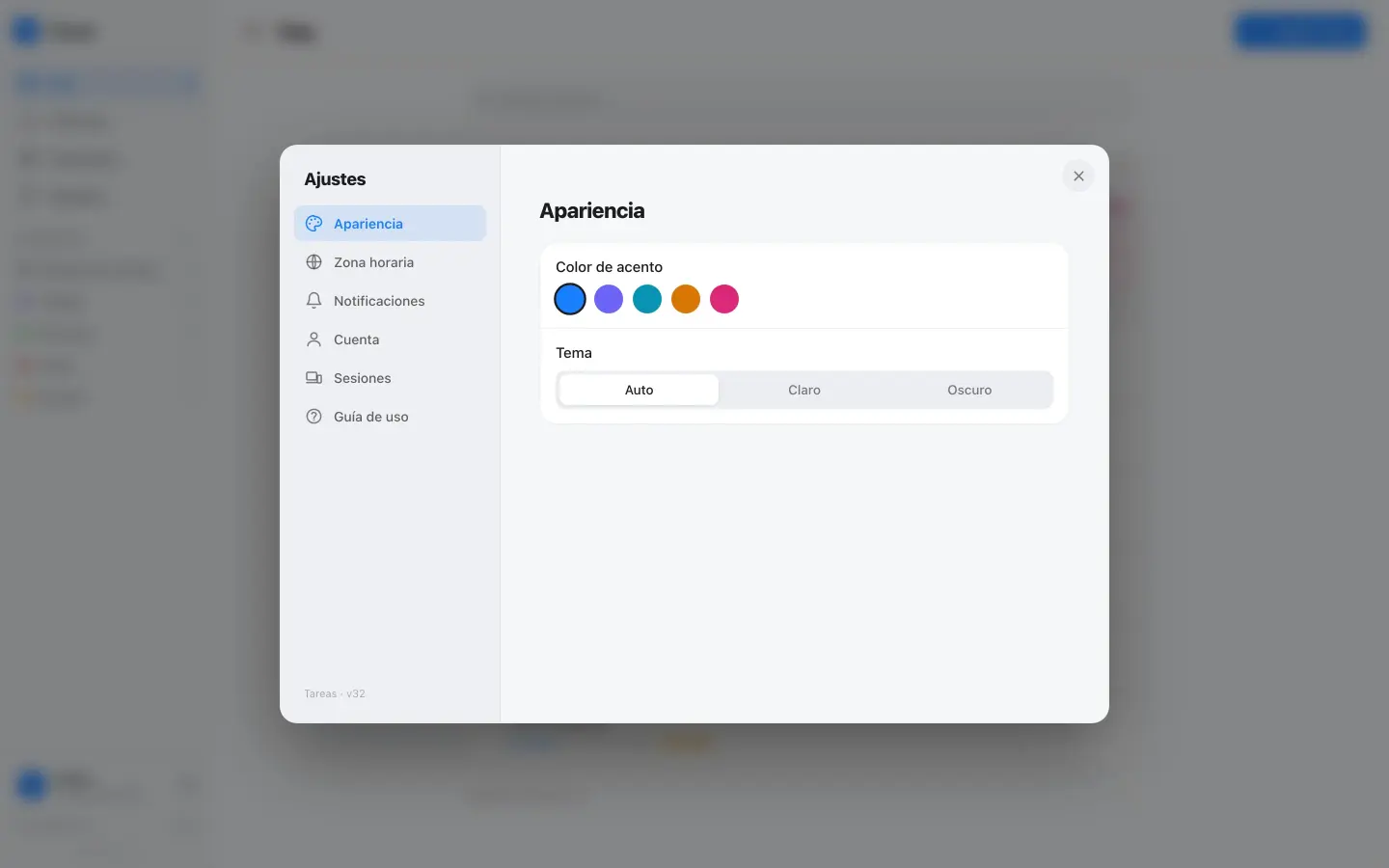
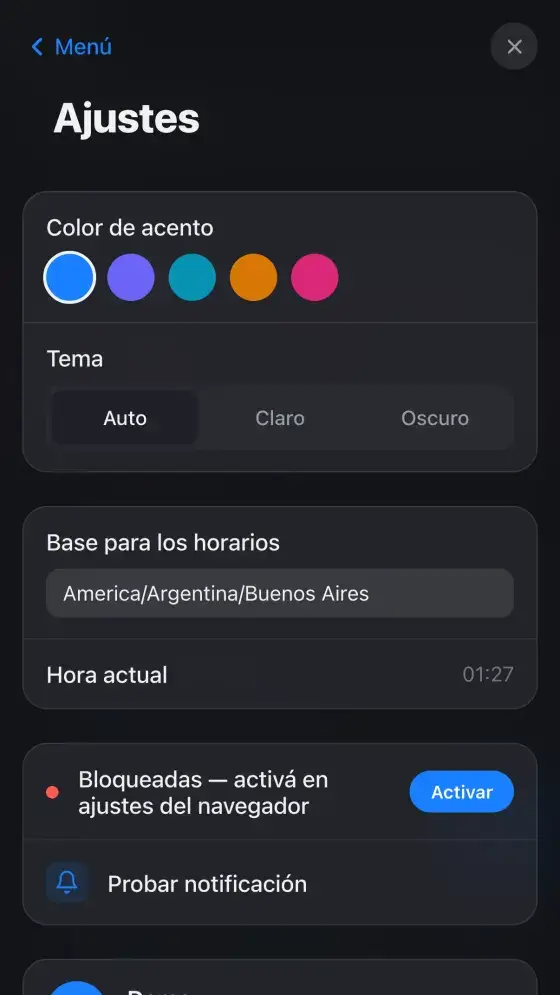

Follows your phone, or you choose.
Five colors for the app.
Times always in your time.
See which devices you're logged in on and sign out the rest with one tap.
With your email, so you can reset your password if you forget it.
Inside the app, for when you need it.
Is it for you or for your team?
The full app, with your account, on your phone and your computer.
Every feature
Synced across all your devices
Phone reminders
Accounts for your team
The same app with your logo and colors, or with whatever your team needs added.
Your logo and your colors
Your domain
Whatever's missing, built
Built on an app that already works
You buy it on WhatsApp: I send you the price and set up your account.
On WhatsApp, and tell me if it's for you or your team.
With your email. You get your login.
On your phone and your computer, from the browser.
And the app reminds you when it's time.
A phone or a computer
An up-to-date browser
Your email
To download anything from a store
A Google or Apple account
Any weird setup
A 30-minute call is enough to see if this makes sense. If you'd rather write, leave your details and I'll get back to you personally within one business day.