The client fills in the brief from a link and you track every project with its checklist, from proposal to launch. For freelancers and web studios.
I'll show it to you on a call, with a made-up studio: no real client data.

BRIEF done SETUP IN of WORDPRESS received BRIEF done BRIEF done SETUP IN of WORDPRESS received BRIEF done
57% WOOCOMMERCE sent 31 6/6 DEPOSIT 57% WOOCOMMERCE sent 31 6/6 DEPOSIT
PAUSED complete LAUNCH 7/7 PROPOSAL REVIEW 54 DESIGN PAUSED PAUSED complete LAUNCH 7/7 PROPOSAL REVIEW 54 DESIGN PAUSED
WORDPRESS received BRIEF done SETUP IN of WORDPRESS received WORDPRESS received BRIEF done SETUP IN of WORDPRESS received
6/6 DEPOSIT 57% WOOCOMMERCE sent 31 6/6 6/6 DEPOSIT 57% WOOCOMMERCE sent 31 6/6
54 DESIGN PAUSED complete LAUNCH 7/7 PROPOSAL REVIEW 54 DESIGN 54 DESIGN PAUSED complete LAUNCH 7/7 PROPOSAL REVIEW 54 DESIGN
IN of WORDPRESS received BRIEF done SETUP IN of IN of WORDPRESS received BRIEF done SETUP IN of
sent 31 6/6 DEPOSIT 57% WOOCOMMERCE sent sent 31 6/6 DEPOSIT 57% WOOCOMMERCE sent
PROPOSAL REVIEW 54 DESIGN PAUSED complete LAUNCH 7/7 PROPOSAL PROPOSAL REVIEW 54 DESIGN PAUSED complete LAUNCH 7/7 PROPOSAL
SETUP IN of WORDPRESS received BRIEF done SETUP SETUP IN of WORDPRESS received BRIEF done SETUP
Every project with the checklist for its type, from proposal to launch.
The client fills it in from a link and you show up knowing what they want.
What stage each one is at and how much is left.
Add whatever steps you need to each checklist.

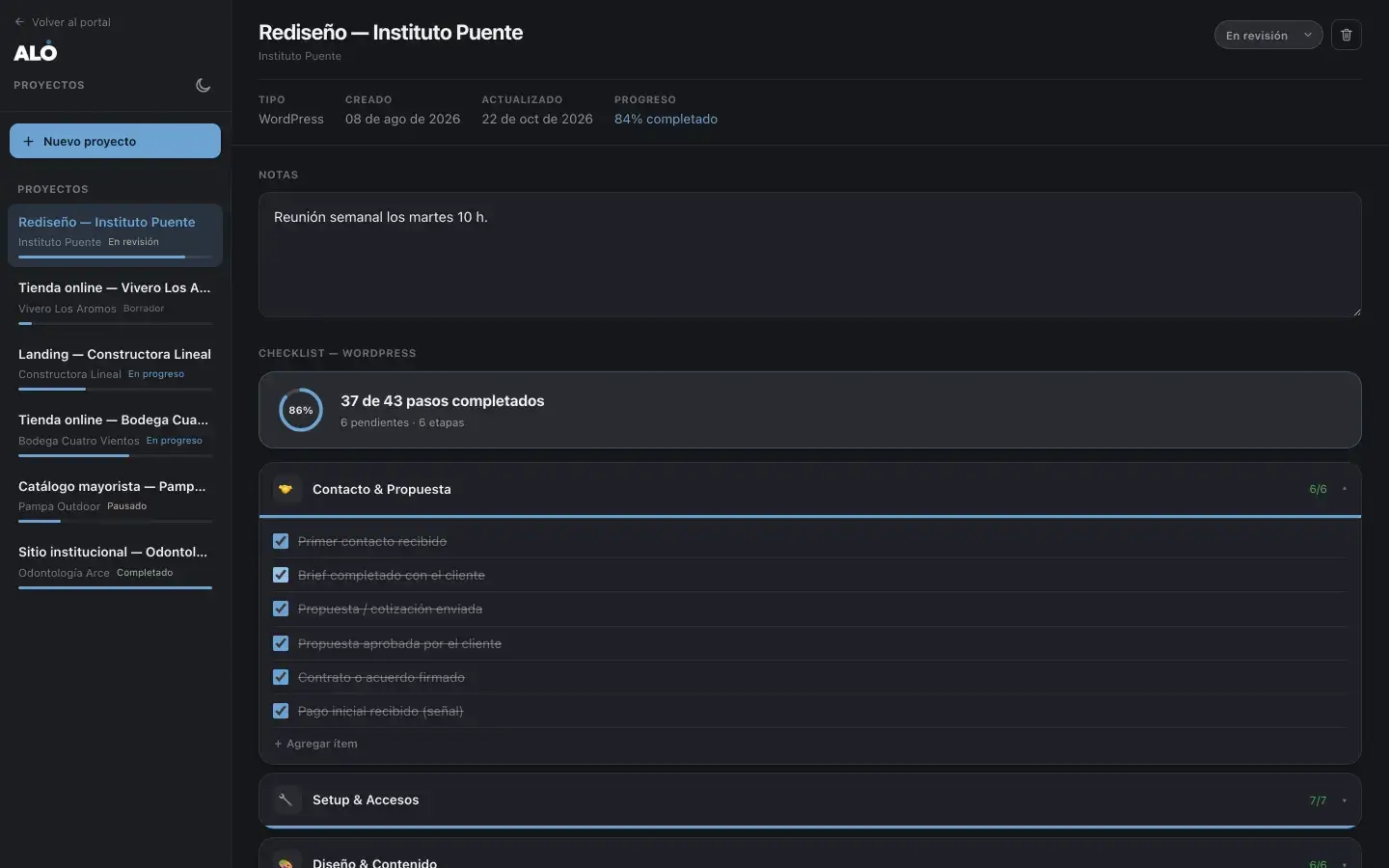
Light or dark: each user picks. Drag the divider.
Want to see it with your clients in it?
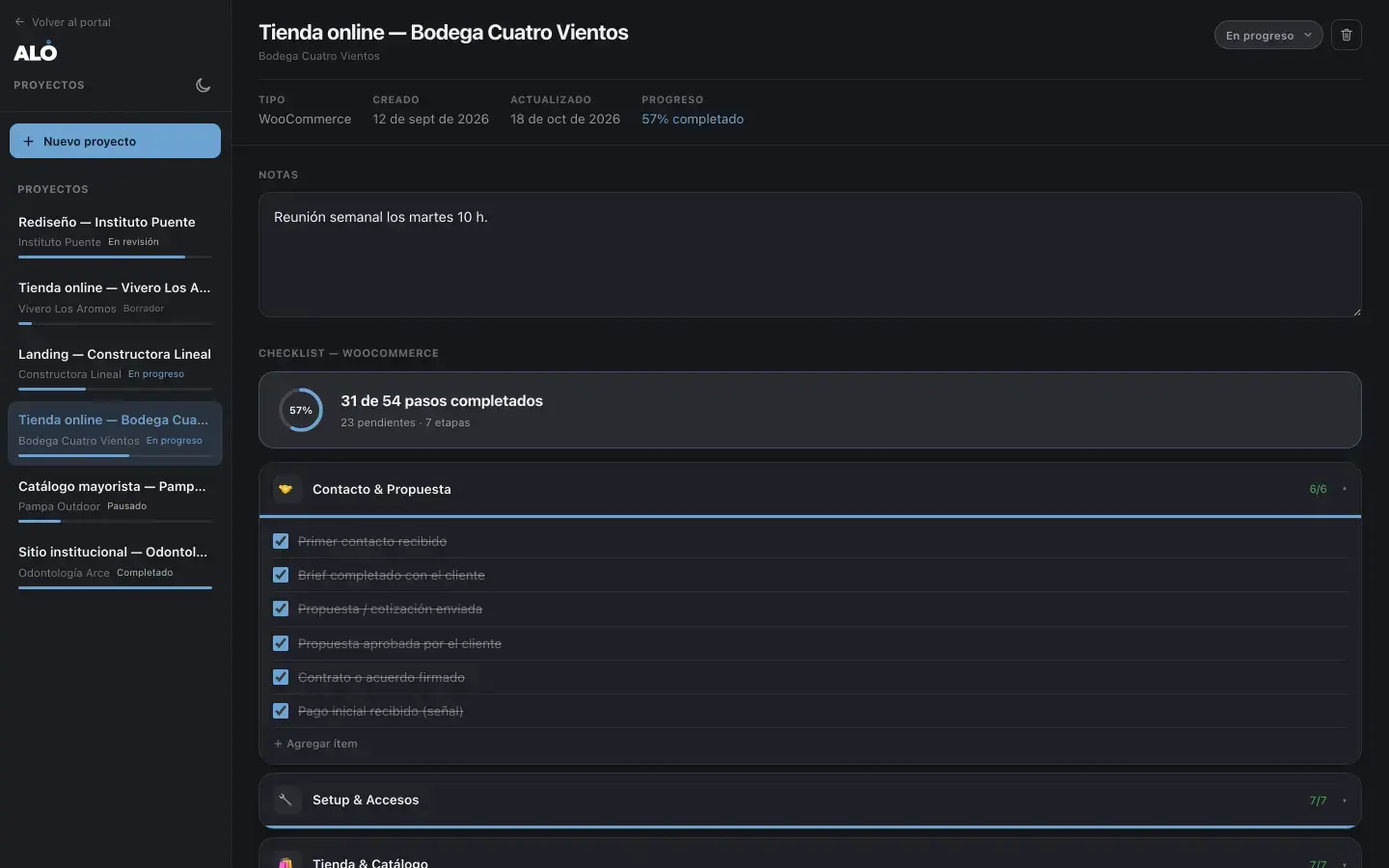
The project list and each one's checklist. Screenshots from a made-up studio.
An online store's steps, by stage, with progress.
Stages of a store
Progress by stage
Project notes
With the checklist for its type and progress in view.
WordPress site or WooCommerce store checklists, ready to use.
Contact and proposal, setup and access, design, content, launch.
How many steps are done and how many are left, in every project.
Draft, in progress, in review, paused or completed.
What you need to remember, inside the project.
Add the steps your way of working needs.
From a link, before the first meeting.
Send them the link and they fill in the brief without an account.
The answers show up in the project, for your whole team.
Questions designed for each type of project.
Each module works on its own, and together they share the login, the clients and your brand. Bundles cost less than adding them up one by one.
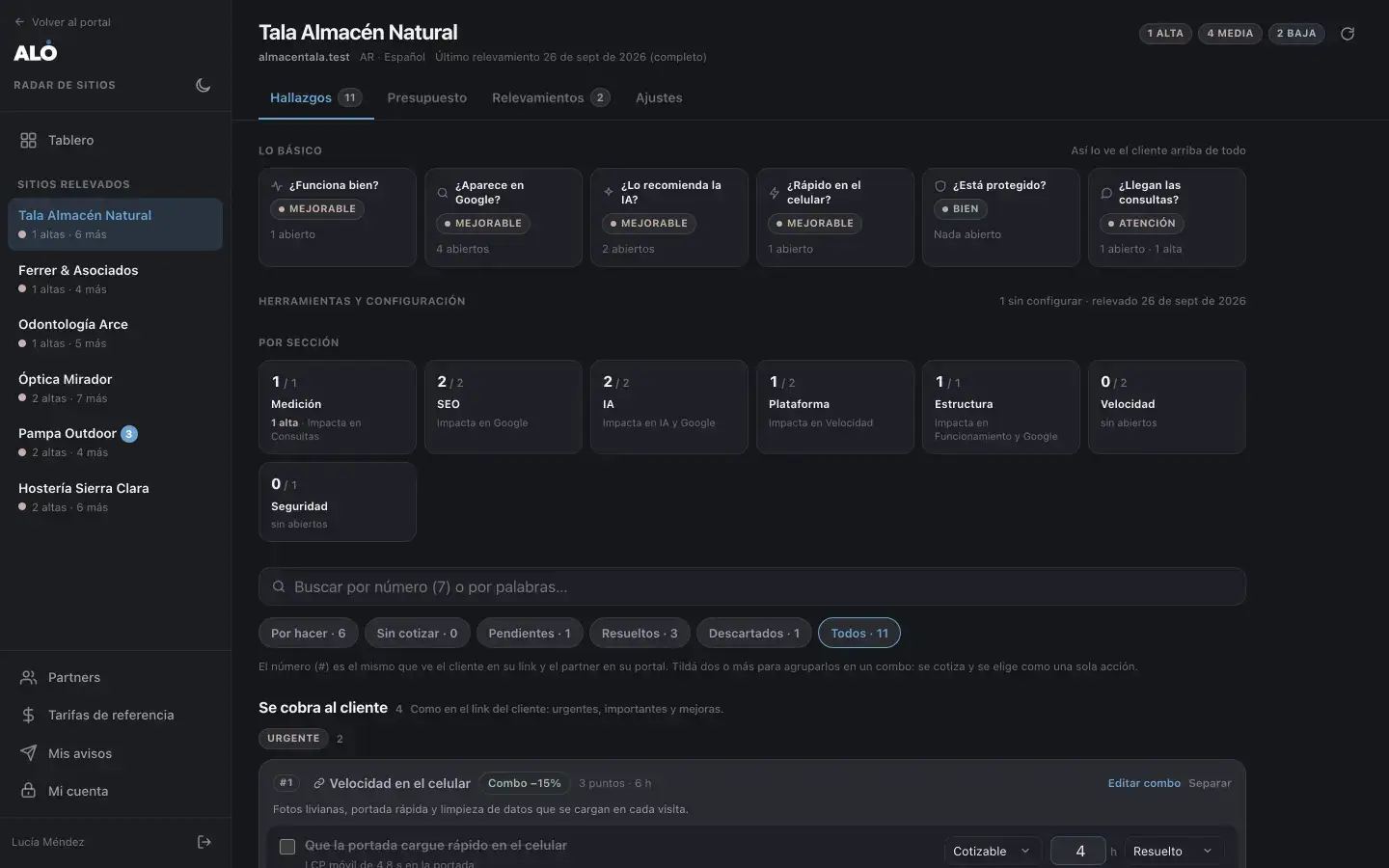
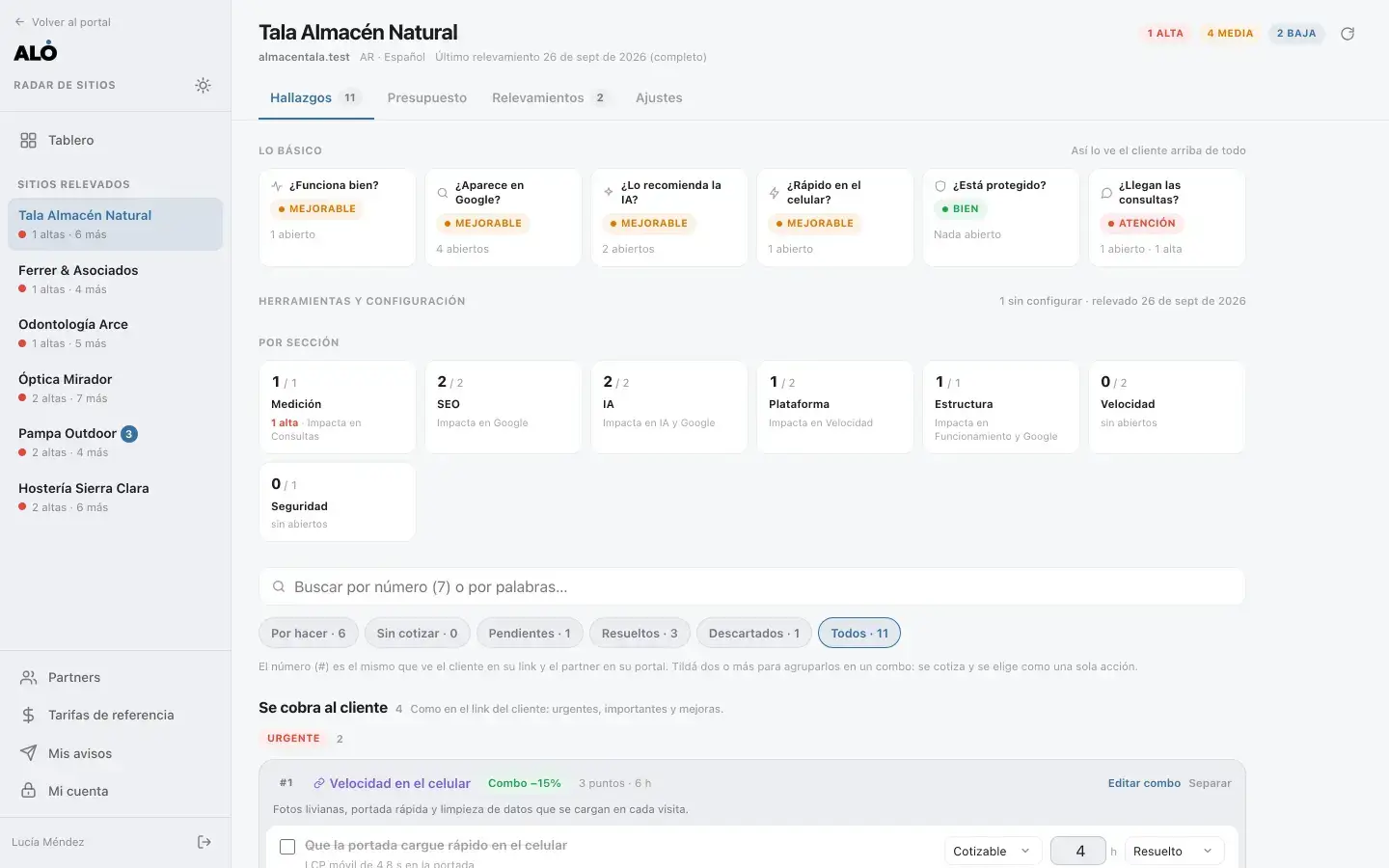
What each site is missing in a traffic light they get, with a quote they confirm in two clicks.
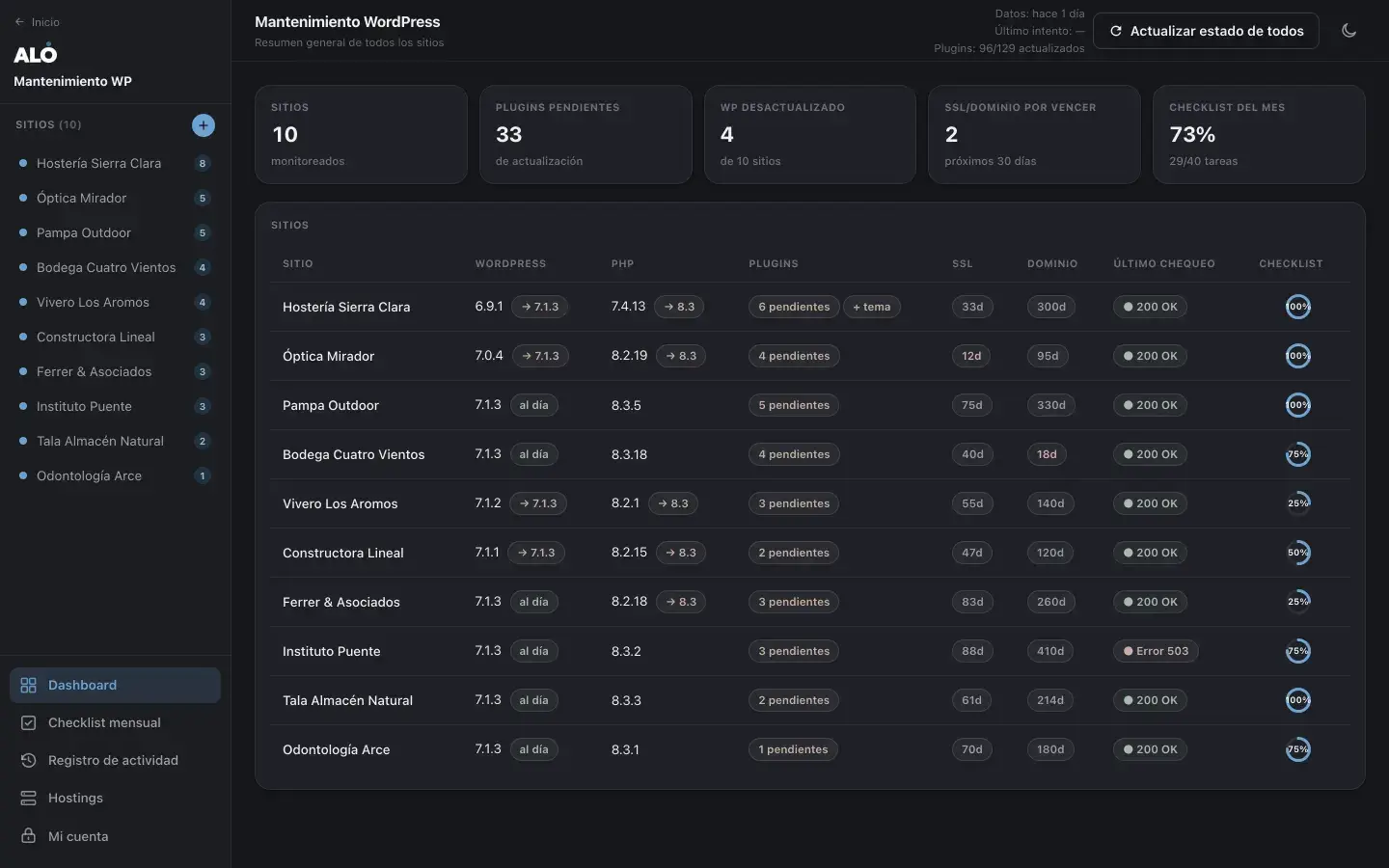

Which site is behind, which certificate is expiring and who's browsing before you update.
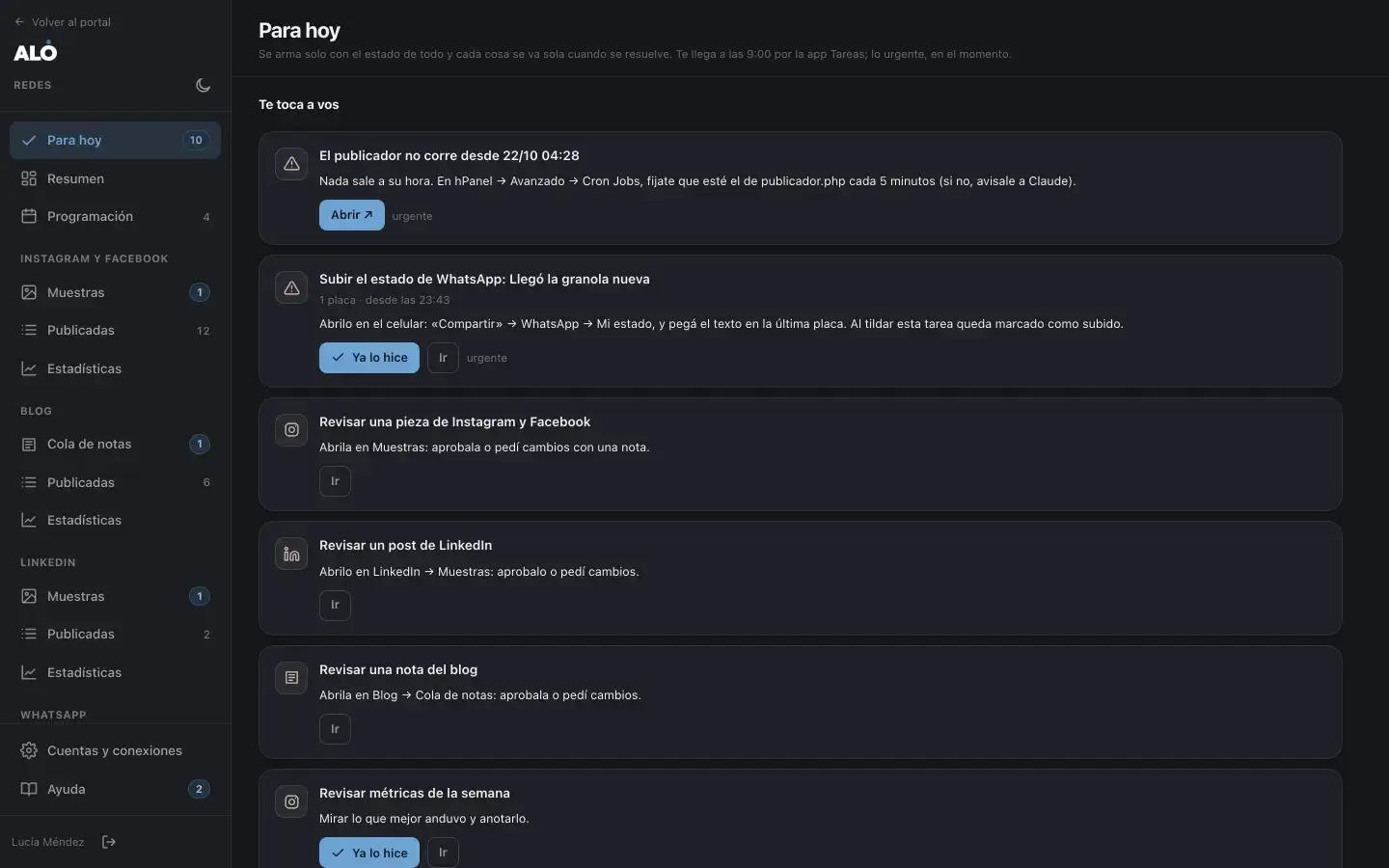
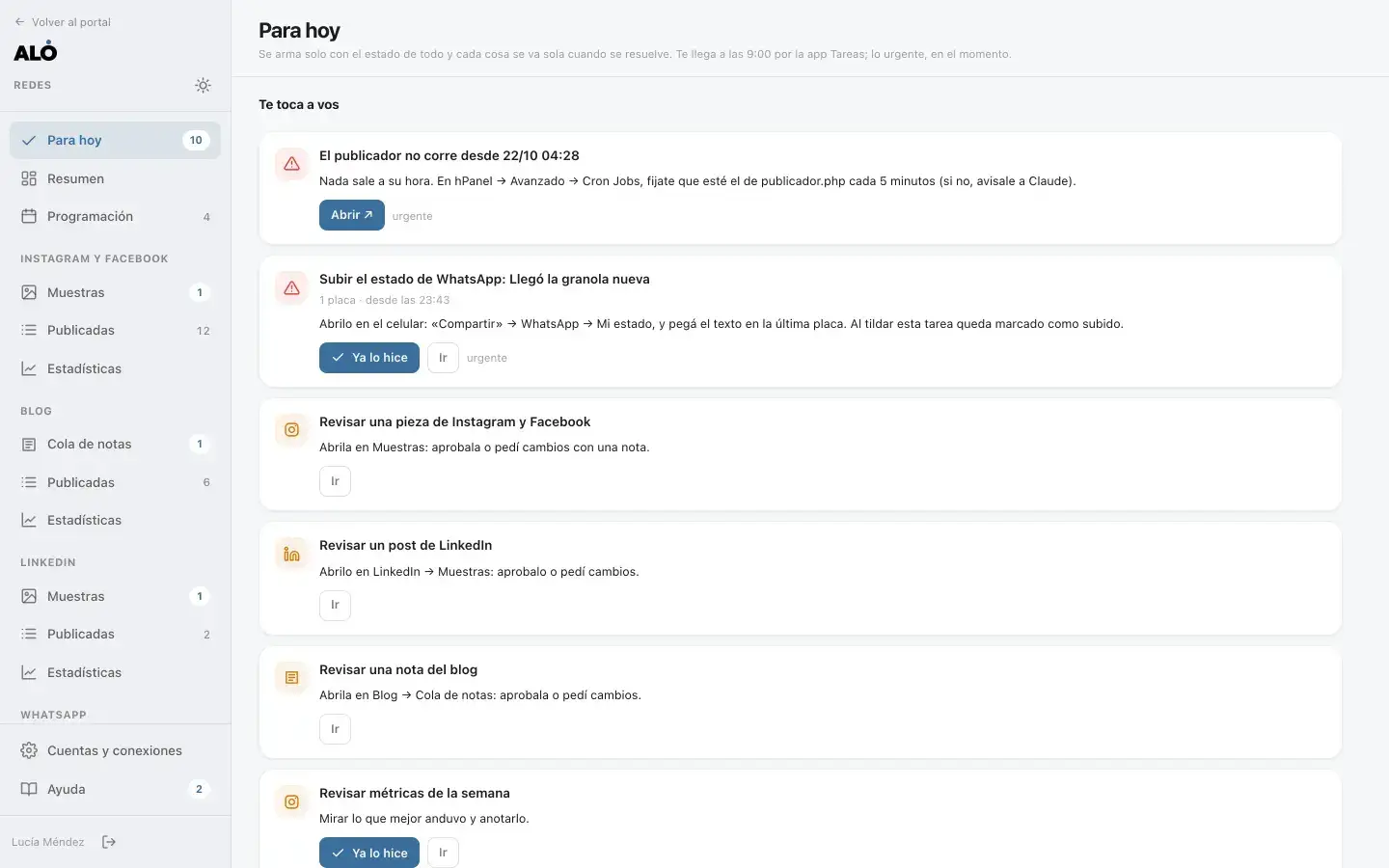
A calendar for feed, stories, blog and LinkedIn, today's to-dos and the stats.
How many clients and sites you manage, who on your team does what and what you use today.
On a call, with a sample studio and whatever is useful to you.
On your subdomain, with your logo and colors, and I load what you already have.
And your clients, if the module has a view for them. I include an hour of training.
Set up on your subdomain, with your brand
The site and store checklists
Your current projects loaded
An hour of training
Your logo and your colors
Your current projects
The steps specific to how you work
The questions you ask in a brief
A 30-minute call is enough to see if this makes sense. If you'd rather write, leave your details and I'll get back to you personally within one business day.