

WordPress maintenance: why it matters and how to avoid costly problems
A website isn't something you build and forget. Especially if it runs on WordPress, where plugins, themes and the core itself are updated constantly. Skipping maintenance can lead to failures that hurt your sales, your rankings and your brand's reputation.
In this article I'll explain why regular maintenance matters so much, what risks you avoid and how to do it safely.
Why WordPress maintenance is essential
1. Security: the main reason
Most WordPress hacks come down to:
- Outdated plugins
- Abandoned themes
- Old versions of core
When something falls out of date, known vulnerabilities appear — and bots find them automatically.
One timely update can save your site from going down entirely.
2. Performance and speed
Botched or piled-up updates can cause:
- slowness,
- plugin conflicts,
- excessive server load.
Optimizing the database, clearing temporary files and keeping plugins up to date keeps your site fast.
3. Compatibility and stability
WordPress is always evolving.
If you don't update your site's components in sync, you'll often see:
- visual glitches,
- forms that stop sending,
- sections that simply won't load.
Maintenance keeps your site from “breaking” over time.
4. SEO and rankings
Google looks at:
- speed,
- security,
- uptime,
- user experience.
A neglected site loses performance — and with it, rankings.
Monthly maintenance helps protect your site's technical authority.
Common problems caused by skipped maintenance
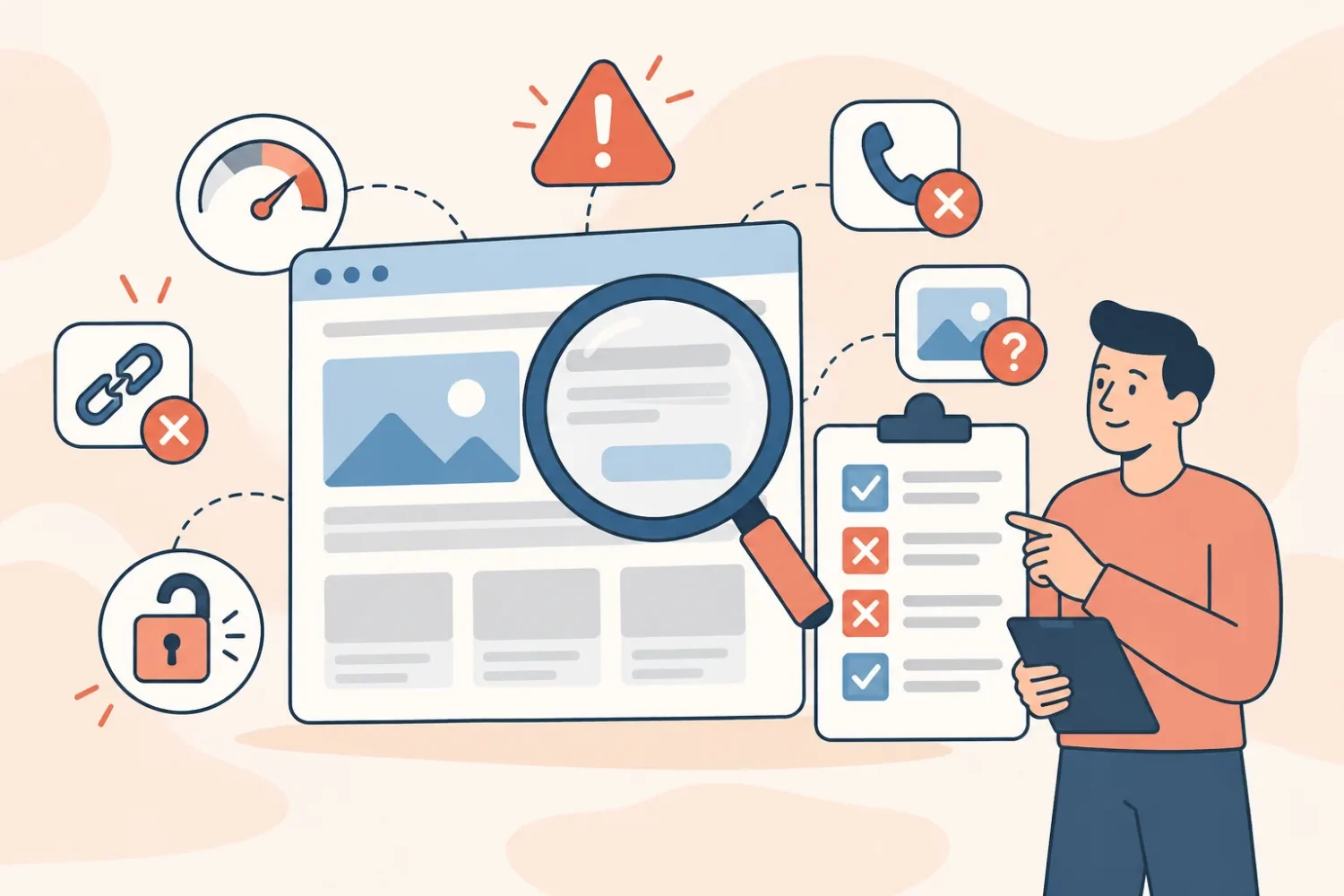
These are the usual headaches we see on neglected sites:
- White screen or 500 errors
- Hacked site redirecting to other pages
- Plugins that clash with each other
- Forms that never arrive
- Frequent downtime
- Slowness that hurts conversions
- No backup when something breaks
Many of these problems can take hours to fix… or even a full rebuild.
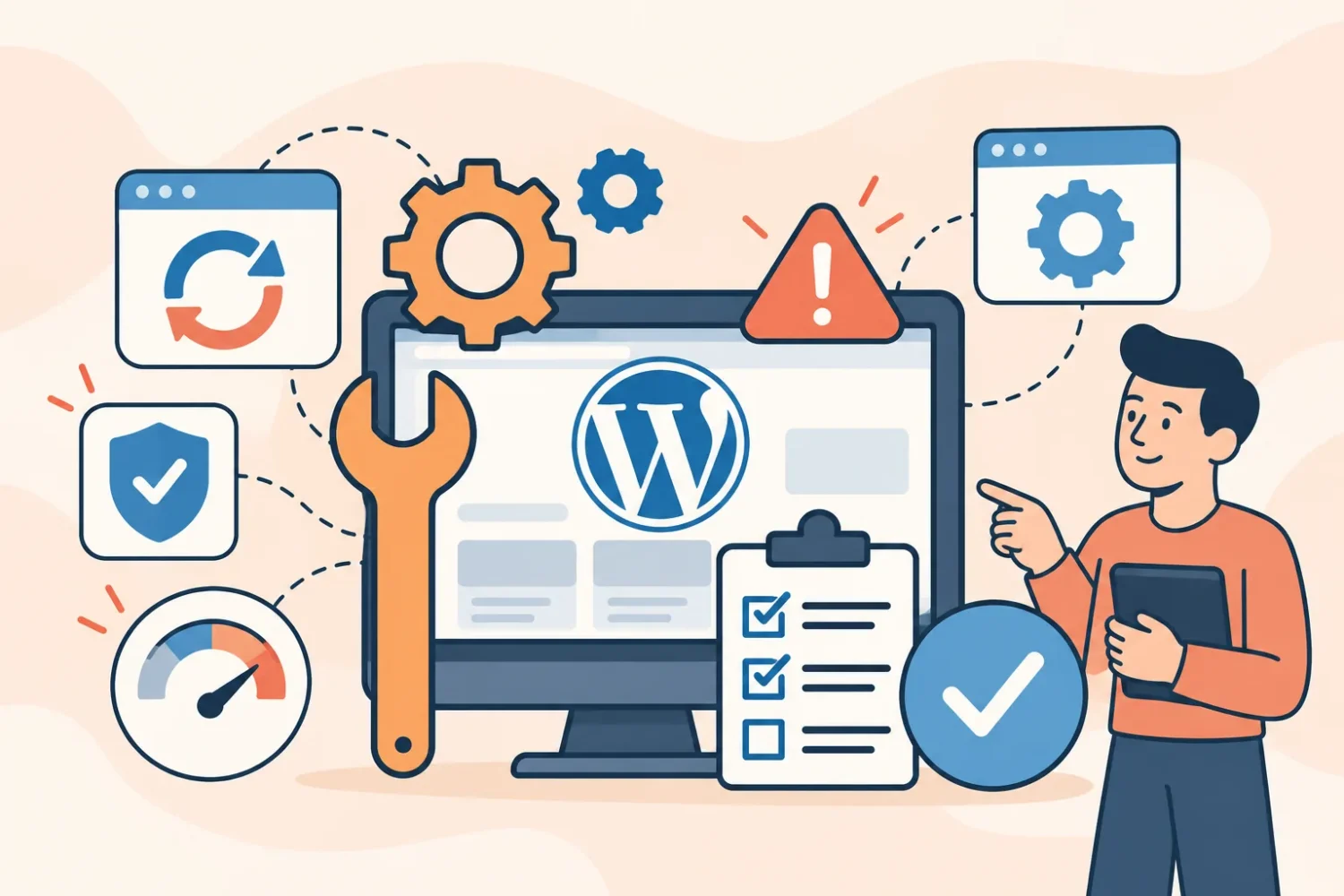
How to prevent problems (a practical checklist)
Essential monthly tasks
- Update WordPress core
- Update plugins and theme
- Check compatibility before updating
- Optimize the database
- Clear cache and temporary files
- Check uptime
- Run a security scan
- Test forms and key features
Quarterly tasks
- Speed audit
- Check for heavy images
- Hosting review
- Remove unused plugins
- Technical SEO optimization
Critical tasks
- Run automatic daily backups
- Store copies off-site (Google Drive/Dropbox)
- Have a rollback plan for failures
The bottom line
WordPress maintenance isn't an expense: it's insurance that protects your site from downtime, hacks and lost sales.
Stay ahead of it and you'll avoid problems that are expensive to fix later.