

When people talk about web design, they often confuse a visually appealing site with a functional, results-driven site. The truth is that the balance between UX (User Experience) and UI (User Interface) is what decides whether your site just looks good… or actually turns visitors into customers.
What is UX (user experience)?
UX is about how people feel as they move through your site:
- Can they find what they need quickly?
- Is the navigation intuitive?
- Is the content relevant to them?
A good user experience keeps visitors around longer, gets them exploring more pages and builds trust in your brand.
What is UI (user interface)?
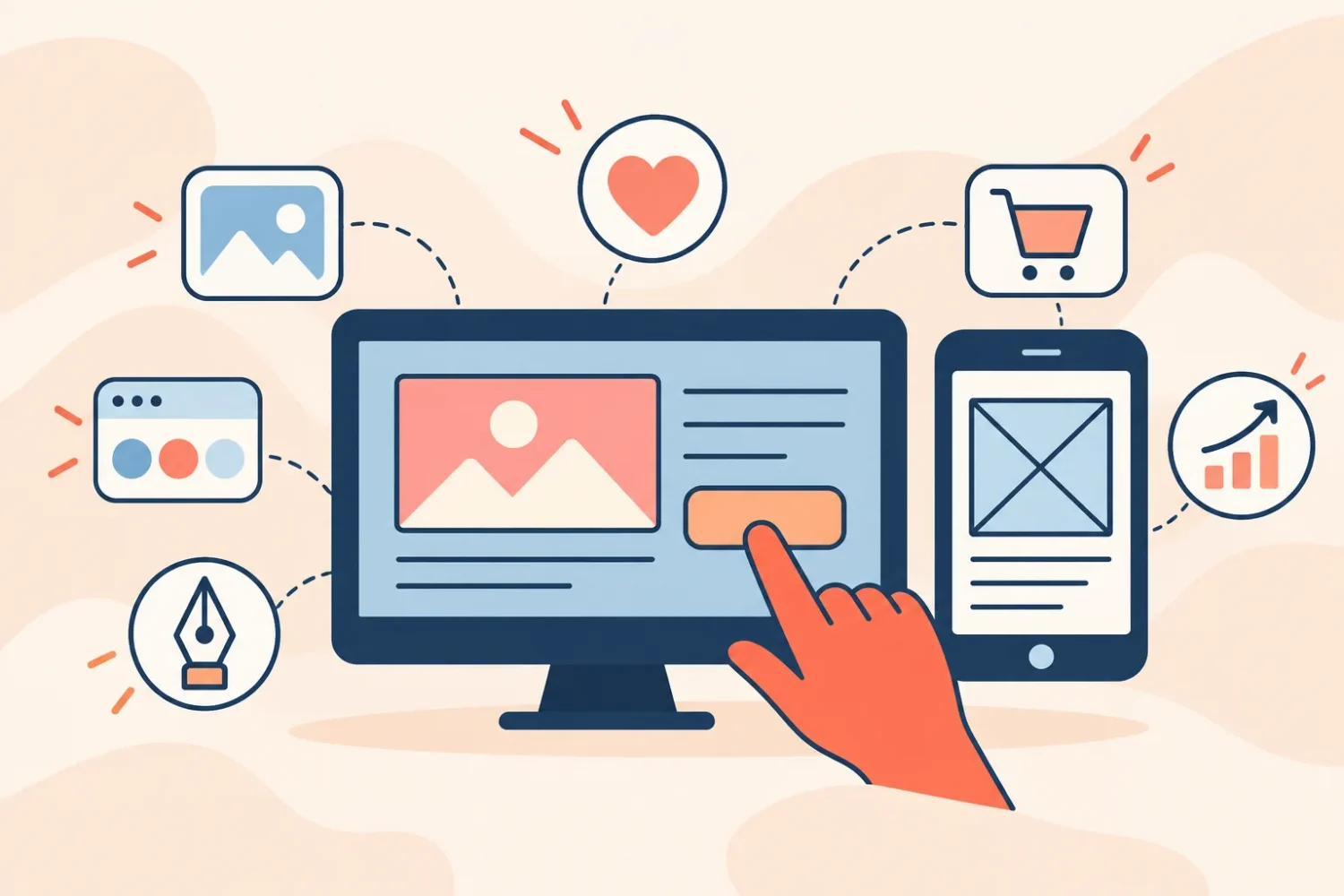
UI is the visual layer of your site: colors, fonts, buttons, icons and layout. It's the “face” of your website — but without solid UX behind it, that face has no purpose.
How they work together to sell more
Modern UI grabs attention, but UX is what guides people toward the action you want: filling out a form, buying a product or requesting a quote.
That's why, when you work on both together, you get a website that doesn't just attract, but also delivers measurable results.
How to get there:
- Clear structure: visual hierarchy and skimmable content.
- Visible calls to action: clear buttons and direct messages.
- Load speed: online patience lasts less than 3 seconds.
- Mobile-first design: over 70% of users browse on their phones.
- Visual feedback: micro-interactions that guide and reinforce what the user does.