

Mantenimiento WordPress: por qué es clave y cómo evitar problemas graves

Mantenimiento WordPress: por qué es importante y cómo evitar problemas costosos

Un sitio web no es algo que se crea y se olvida. Especialmente si está hecho en WordPress, donde los plugins, el theme y el propio core se actualizan constantemente. Ignorar el mantenimiento puede llevar a fallas que afectan ventas, posicionamiento y la reputación de tu marca.

En este artículo te explico por qué es tan importante hacer mantenimiento regular, qué riesgos evitás y cómo hacerlo de forma segura.


🔥  Por qué el mantenimiento WordPress es imprescindible

1. Seguridad: la principal razón

La mayoría de los hackeos a sitios WordPress se da por:

  • Plugins desactualizados
  • Themes abandonados
  • Versiones viejas del core

Cuando un archivo queda desactualizado, aparecen vulnerabilidades conocidas que los bots detectan automáticamente.

Una actualización a tiempo puede evitar una caída total del sitio.


2. Rendimiento y velocidad

Actualizaciones mal hechas o acumuladas pueden generar:

  • lentitud,
  • conflictos entre plugins,
  • carga excesiva en el servidor.

Optimizar la base de datos, limpiar archivos temporales y usar plugins actualizados mantiene la web ágil.


3. Compatibilidad y estabilidad

WordPress evoluciona todo el tiempo.

Si no actualizás las piezas del sitio de manera sincronizada, es común que aparezcan:

  • errores visuales,
  • formularios que dejan de enviar,
  • secciones que directamente no cargan.

El mantenimiento evita que tu web “se rompa” con el paso del tiempo.


4. SEO y posicionamiento

Google observa:

  • velocidad,
  • seguridad,
  • uptime,
  • experiencia de usuario.

Un sitio sin mantenimiento pierde rendimiento y, con eso, posiciones.

Un mantenimiento mensual ayuda a mantener la autoridad técnica del sitio.


🛠️  Problemas comunes por falta de mantenimiento

Estos son los típicos dolores de cabeza que vemos en webs abandonadas:

  • Pantalla blanca o errores 500
  • Sitio hackeado con redirecciones a otras páginas
  • Plugins incompatibles entre sí
  • Formularios que no llegan
  • Caídas frecuentes
  • Lentitud que afecta conversiones
  • Backup inexistente cuando se rompe algo

Muchos de estos problemas pueden costar horas de reparación… o incluso una reconstrucción completa.


🧭  Cómo prevenir problemas (checklist práctico)

📌  Tareas esenciales mensuales

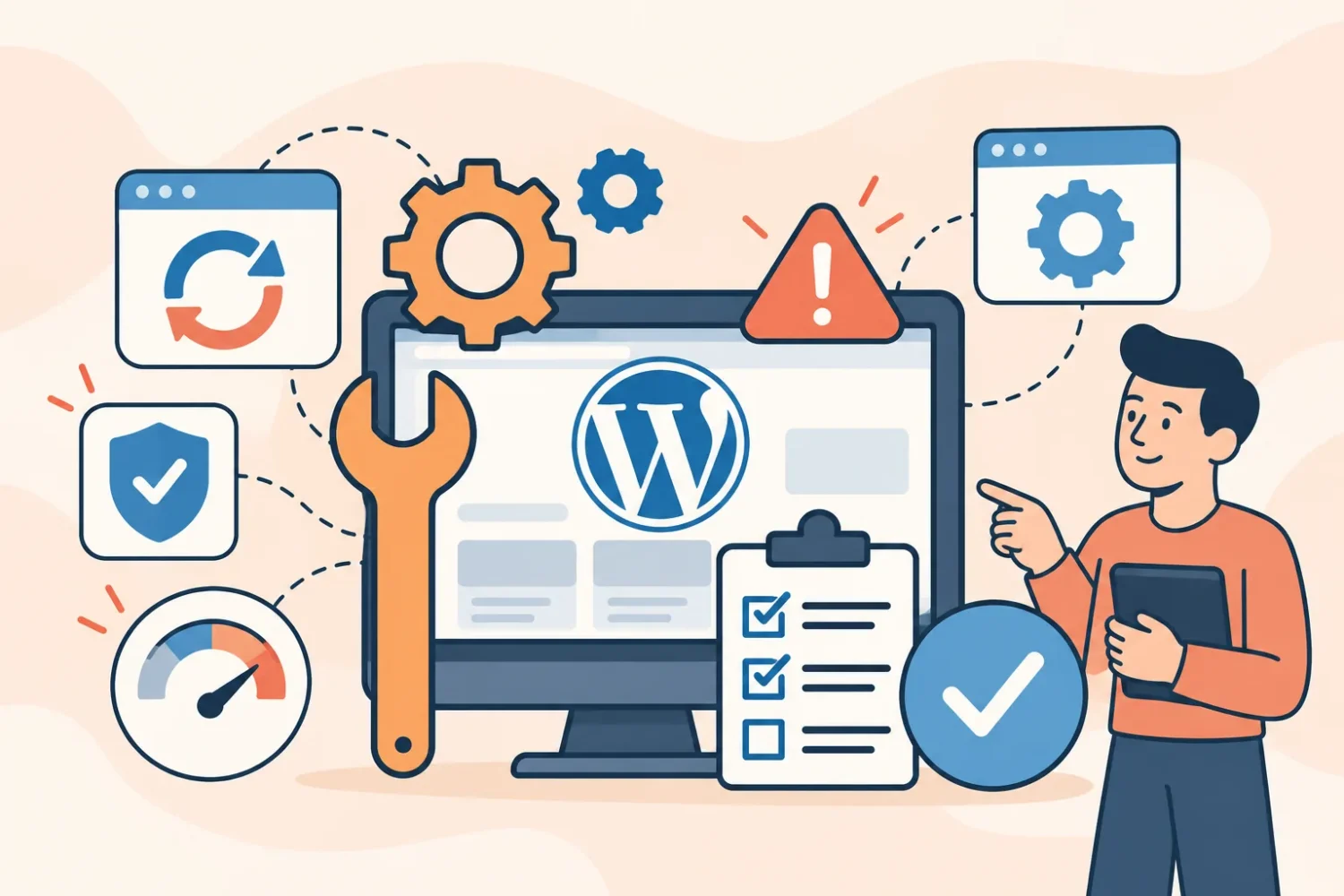
  • Actualizar WordPress Core
  • Actualizar plugins y theme
  • Comprobar compatibilidad antes de actualizar
  • Optimizar base de datos
  • Limpiar caché y archivos temporales
  • Revisar el uptime
  • Escanear seguridad
  • Revisar formularios y funcionalidades clave

📌  Tareas trimestrales

  • Auditoría de velocidad
  • Control de imágenes pesadas
  • Revisión del hosting
  • Limpieza de plugins que no se usan
  • Optimización SEO técnica

📌 Tareas críticas

  • Realizar backups automáticos diarios
  • Almacenar copias externas (Google Drive/Dropbox)
  • Contar con rollback ante fallos


🎯  Conclusión

El mantenimiento WordPress no es un gasto: es un seguro que protege tu web de caídas, hackeos y pérdida de ventas.

Si lo hacés de manera preventiva, evitás problemas que después son costosos de reparar.
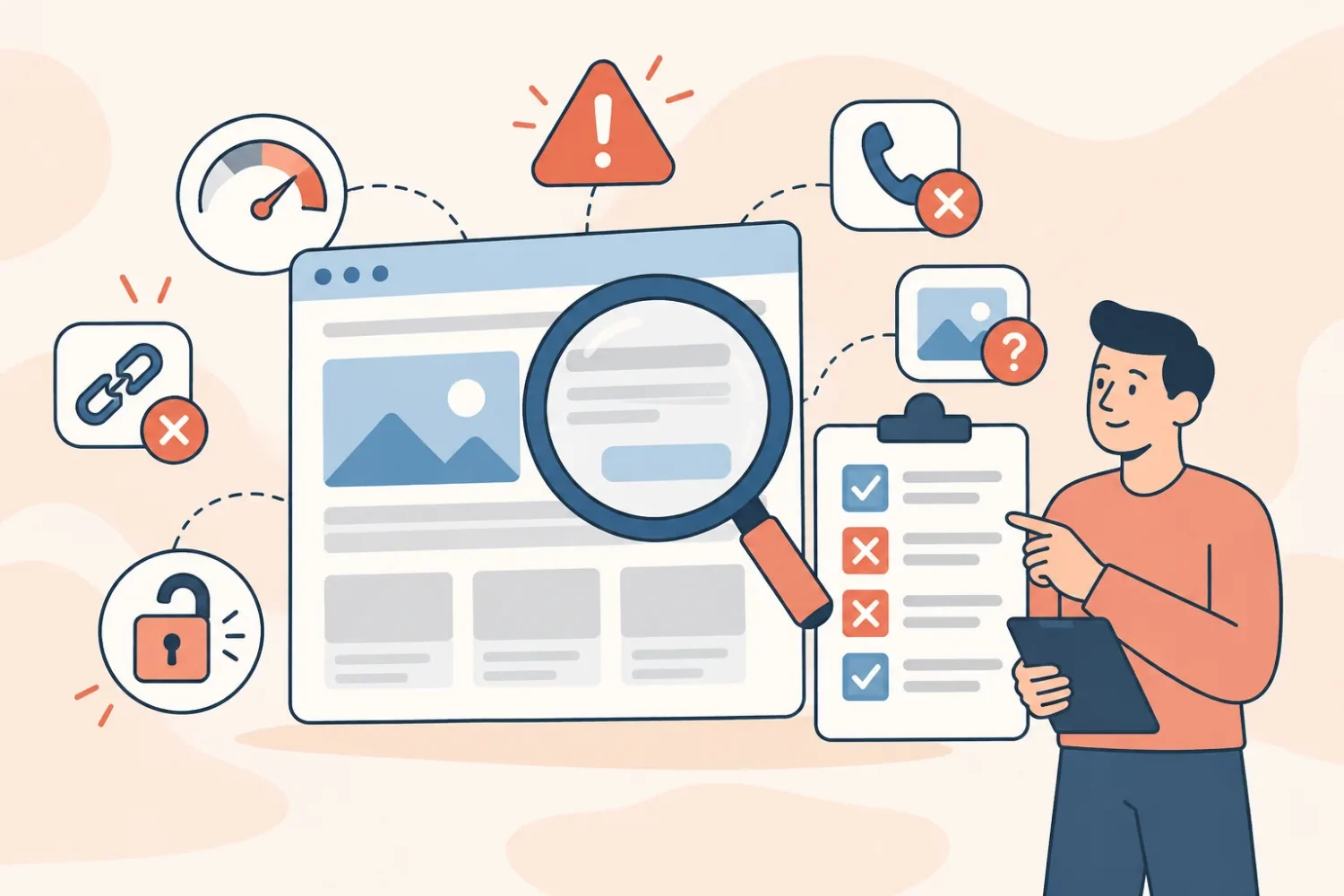
Regular WordPress maintenance prevents security issues, slow performance and costly errors. Discover the key tasks that keep your website safe and running smoothly.

Why WordPress Maintenance Is Essential (and How to Prevent Expensive Problems)

If you manage a website built on WordPress, you’re working with one of the most powerful and flexible platforms in the world. But here’s the truth: WordPress is not a “set it and forget it” system. Like any digital tool, it requires periodic maintenance to stay fast, secure and stable.

In this article, we’ll break down why maintaining your WordPress site is essential, what problems you avoid by doing it regularly, and the key tasks that help keep everything running smoothly.

🔧 Why WordPress Maintenance Matters

1. Security Comes First

WordPress powers more than 40% of all websites globally — and that huge popularity also makes it a target.

Without proper maintenance, your site becomes vulnerable to:

  • Malware infections
  • Outdated themes and plugins with known vulnerabilities
  • Unauthorized access
  • Data loss

Regular maintenance closes these security gaps before they turn into major issues.


2. Performance and Speed Optimization

A slow website affects everything: user experience, SEO, conversions and ads performance.

Maintenance helps you:

  • Detect heavy plugins
  • Clean the database
  • Update performance tools
  • Optimize caching
  • Keep everything running as fast as possible

Speed isn’t just nice to have — it’s directly tied to your revenue.


3. Plugin, Theme and Core Updates

Updates are one of the pillars of maintenance.

Failing to update:

  • Breaks functionalities
  • Generates conflicts
  • Creates display errors
  • Exposes vulnerabilities

But updating without checking compatibility can also cause problems.

That’s why maintenance involves smart updating, not just clicking “Update All”.


4. Preventing Errors and Crashes

The most common preventable issues include:

  • White screen of death
  • Broken layouts
  • Not loading checkout pages
  • Failed contact forms
  • 404 errors on key pages
  • Plugin incompatibilities

With periodic checkups, these errors are detected early — before they affect your clients or hurt your sales.


5. Backup and Recovery Plans

A solid maintenance routine includes:

✔ Daily or weekly backups

✔ Off-site storage

✔ Restore testing

✔ Full rollback plans

This ensures you can recover your entire site in minutes, even in the worst-case scenario.


🛠 What’s Included in a Proper Maintenance Plan

A professional WordPress maintenance checklist typically includes:

  • Updates for core, plugins and theme
  • Security scanning
  • Malware detection and cleaning
  • Performance optimization
  • Image compression
  • Database cleanup
  • Backup system configuration
  • Form and checkout testing
  • Uptime monitoring
  • Broken link scanning
  • Hosting performance review

This is the level of attention that keeps a website healthy and ready to grow.


⚠️ What You Avoid With Regular Maintenance

  • Hacks and security breaches
  • Loss of client data
  • Slow loading speed
  • Broken pages or layouts
  • Downtime during time-sensitive campaigns
  • Problems with payment gateways
  • SEO penalties
  • Loss of sales or leads

Neglecting maintenance often ends up being much more expensive than maintaining the site proactively.


✔ Final Thoughts

WordPress maintenance is not optional — it’s a core part of keeping your business online, visible and protected. If you want your website to work for you 24/7, maintaining it consistently is essential.